Solo2 from the inside
What Solo2 offers every user, seen right in the app. Real screenshots.
1 · To start
No phone number, no email
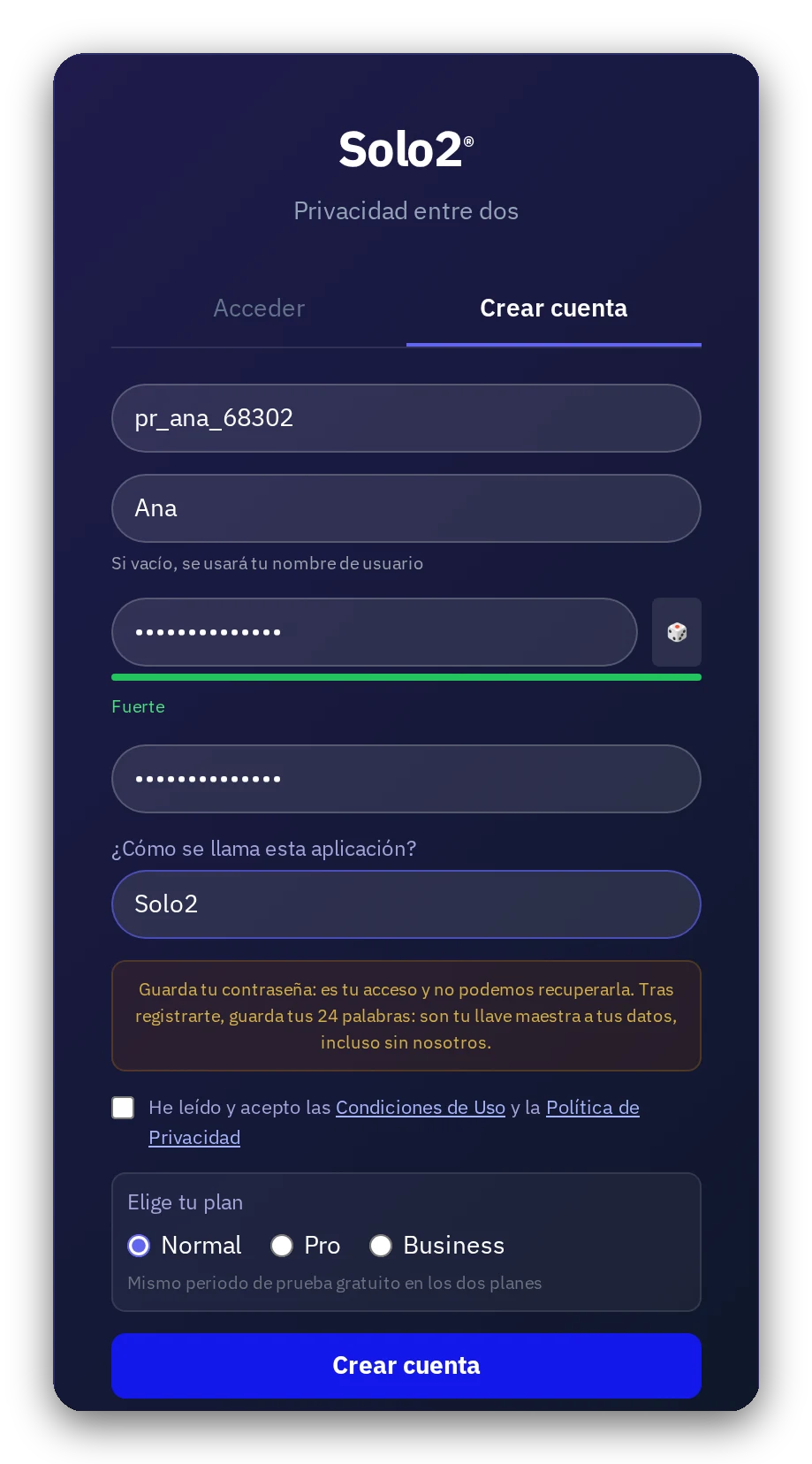
Pick a username and password. That's all. Your name can be made up.
2 · To start
Connect with a link or QR code
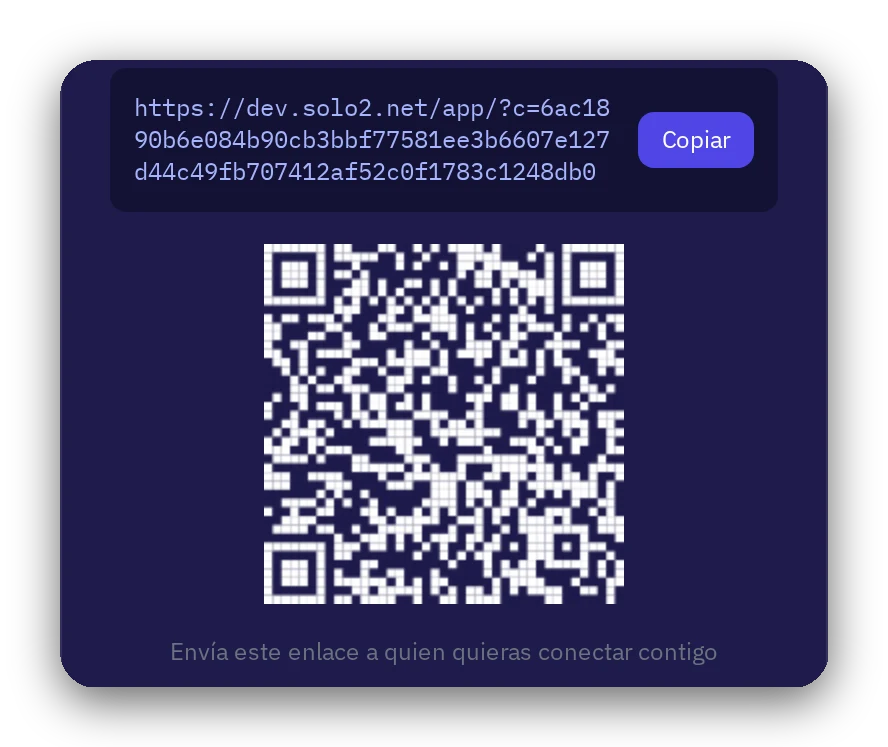
Share your link or show your QR code to anyone you want to connect with. Each code is for one person.
3 · Your messages
Direct conversation
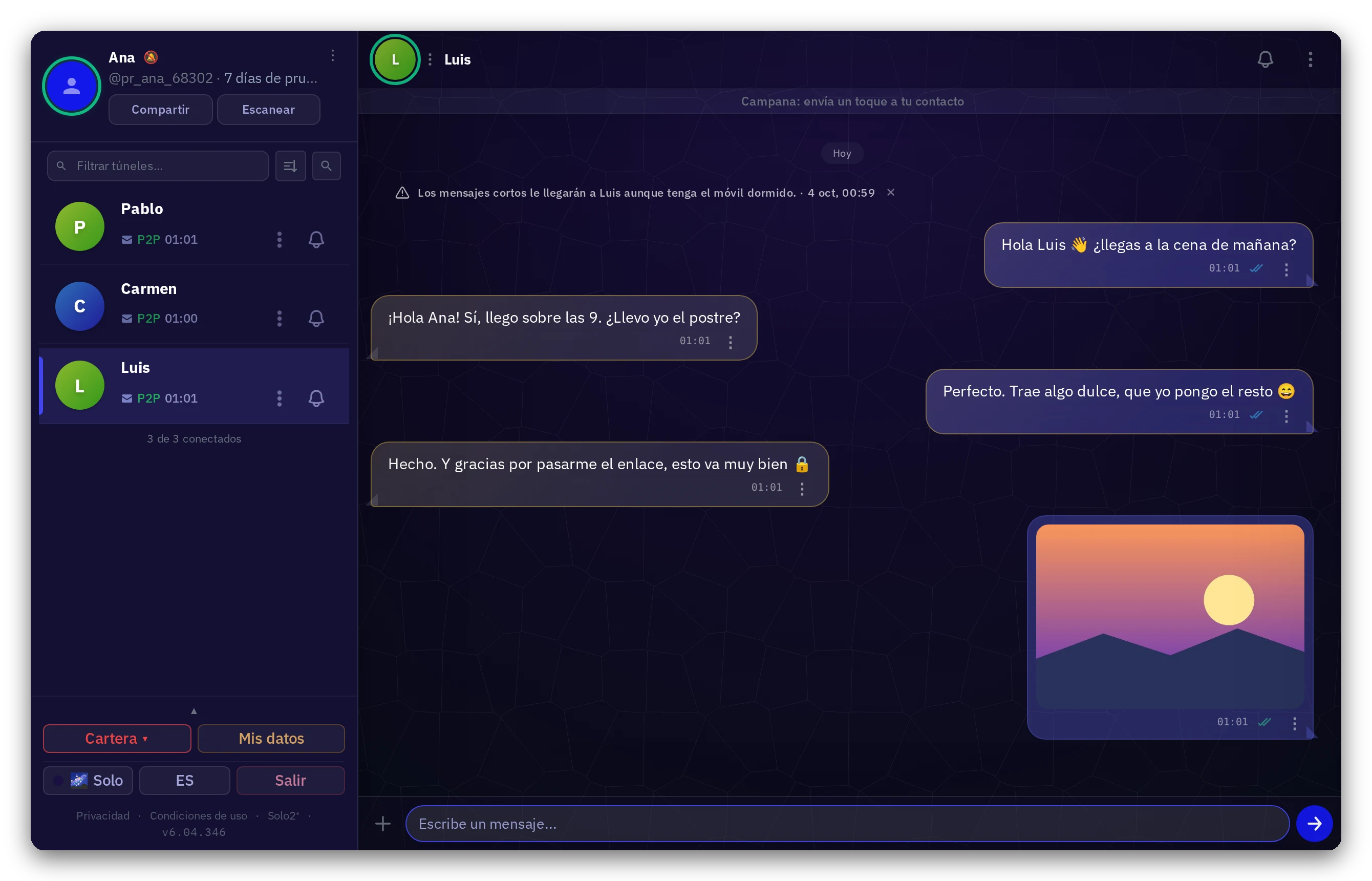
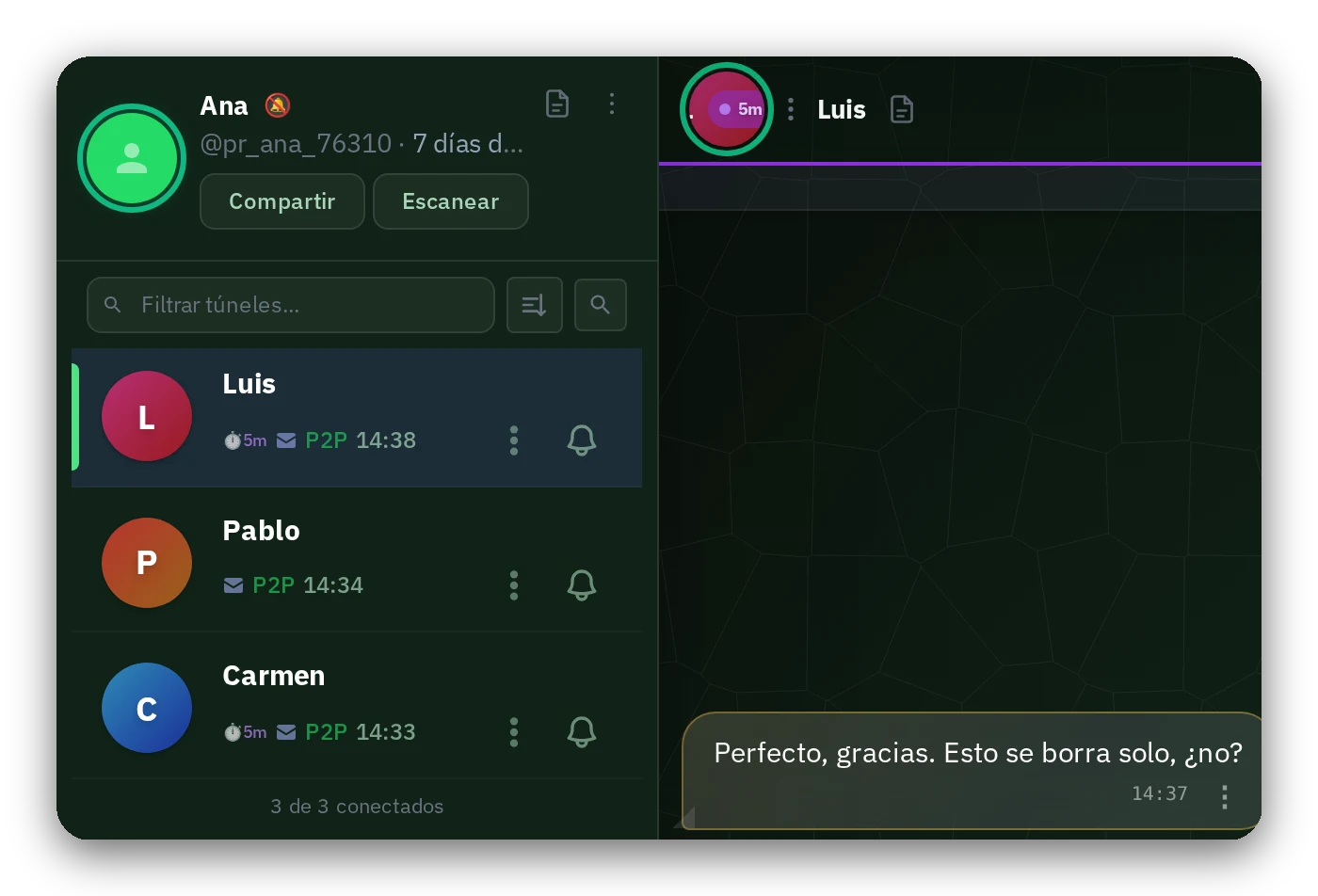
Your messages travel from your device to your contact's, never stored along the way. The app tells you if the connection is direct (P2P) or through the mirror.
4 · Your messages
Files and photos
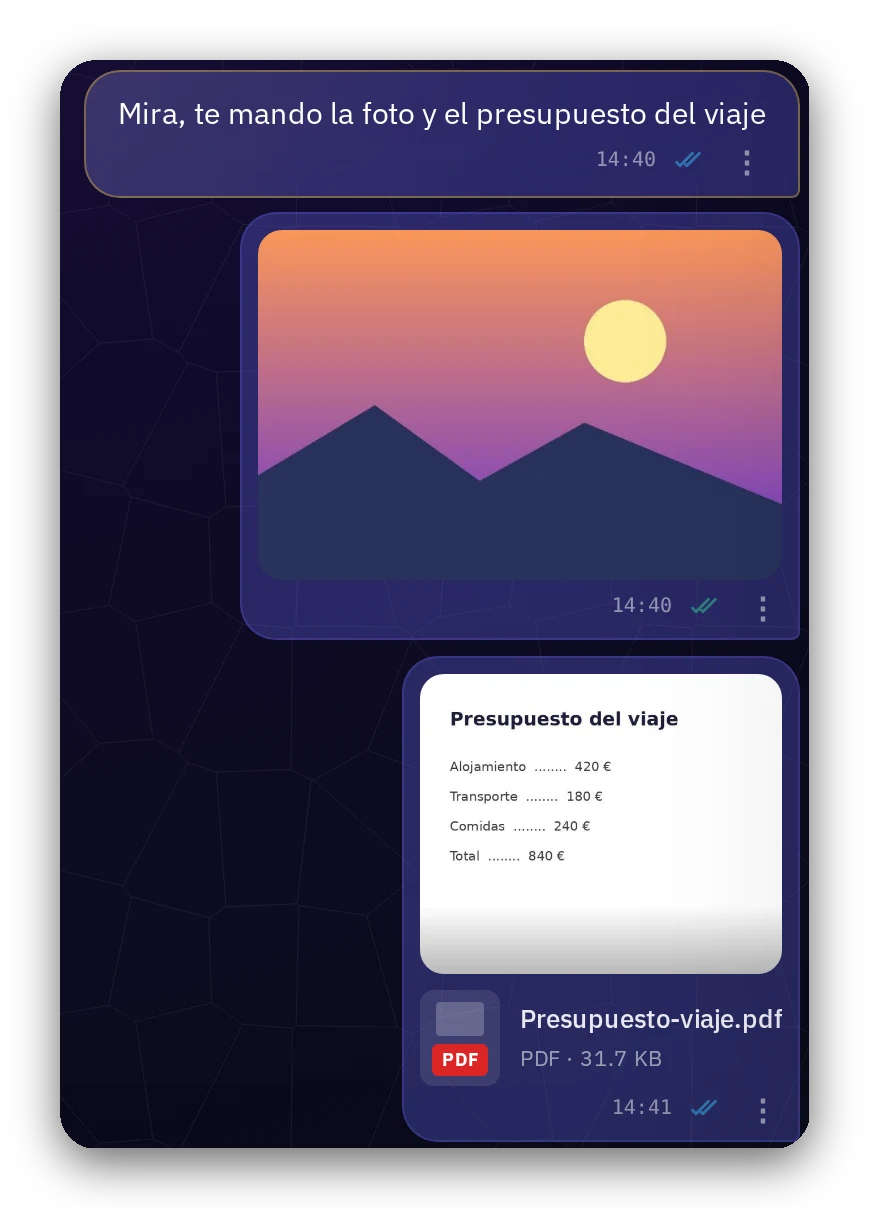
Photos, videos, documents. The only limit is your device, not us. If a transfer drops, it resumes automatically, and every file is verified to arrive intact.
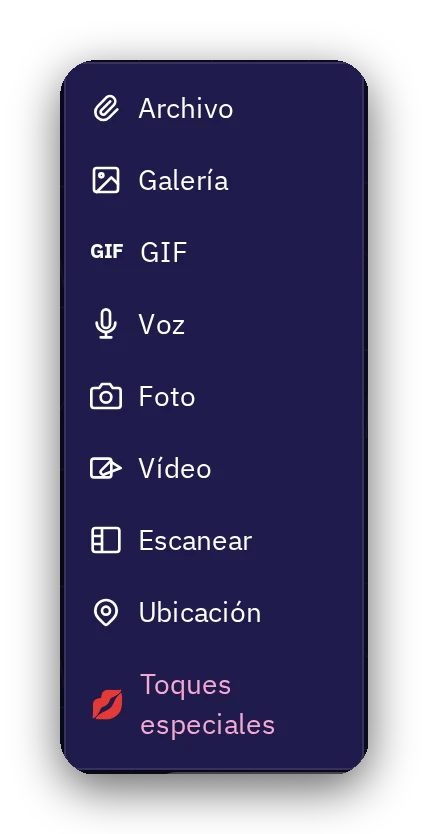
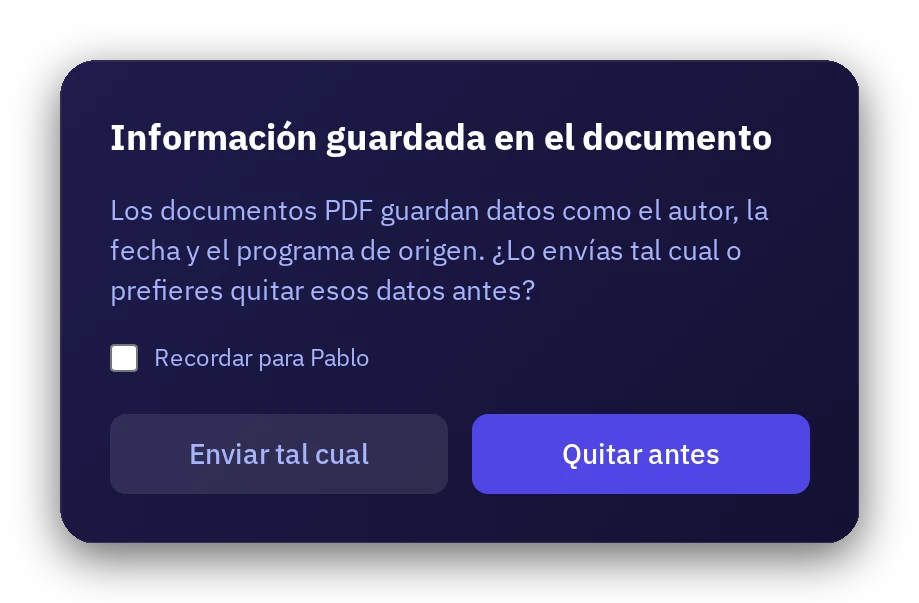
With the + button you pick file, gallery, GIF, voice, photo, or video, scan a document with your camera, or send your location. When sending a PDF, the app asks if you want to remove the author and date stored in the document first.
5 · Your messages
Link previews
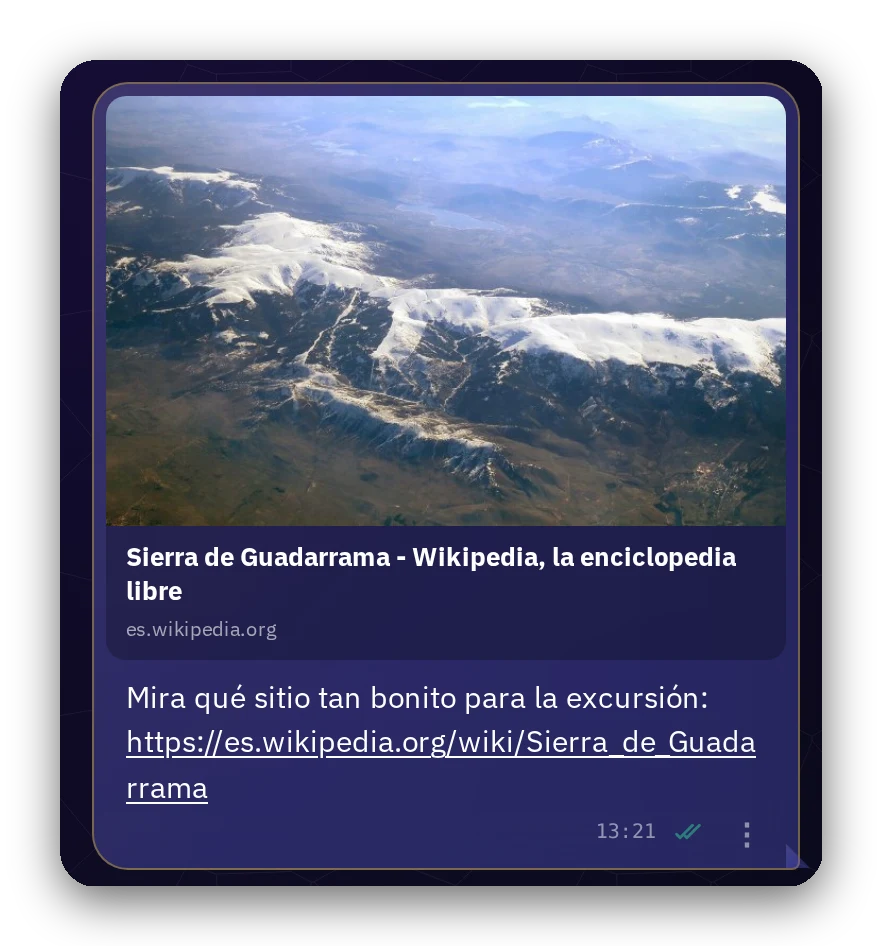
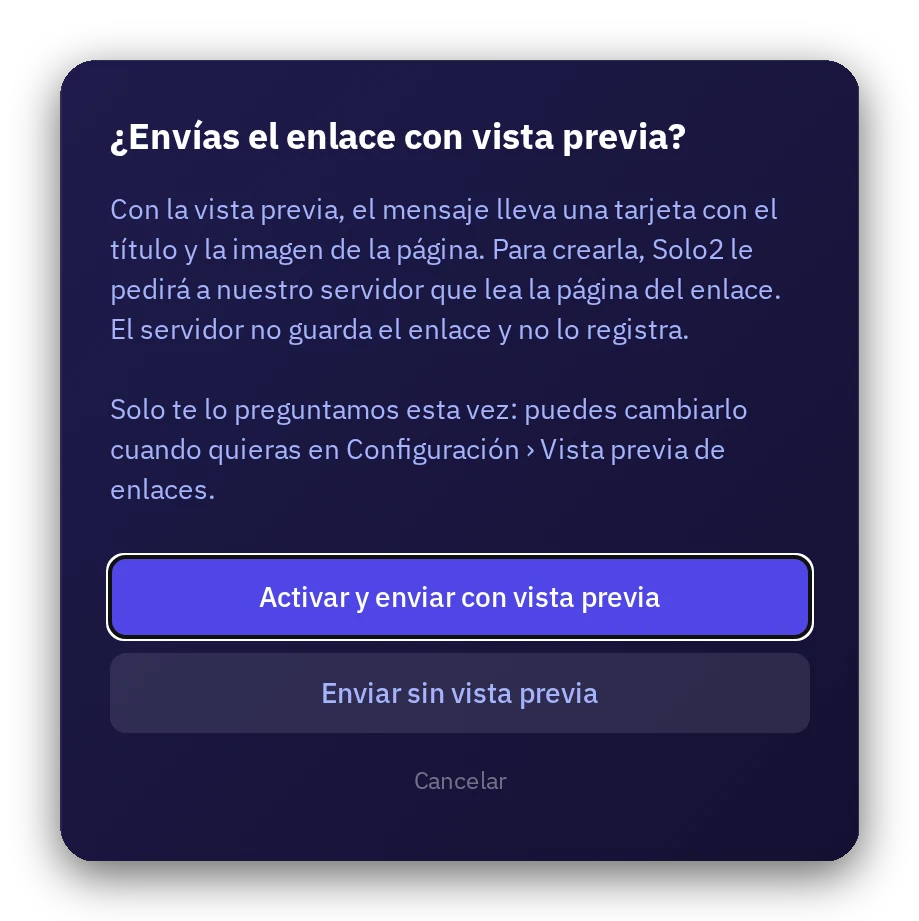
When you send a link, it can travel with a card showing the page's image, title, and description. It's optional: the first time we ask if you want it, and later you can toggle it in the main menu.
To build the preview card, our server reads the page, but never saves or logs the link, and whoever receives the message never contacts that site.
6 · Your messages
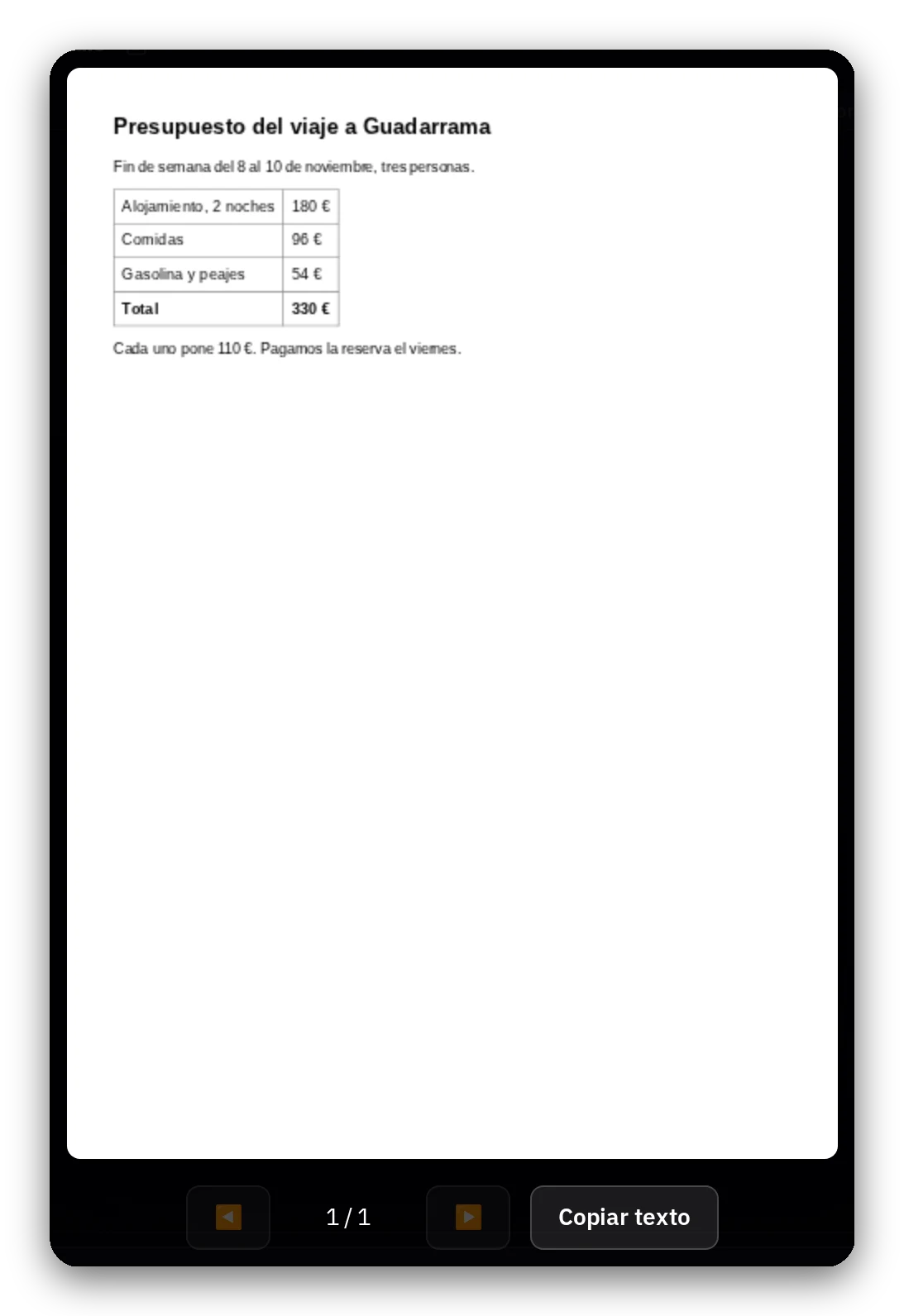
Copy text from a PDF
Open a PDF and tap «Copy text»: copy all pages at once. The file never leaves your device.
With photos and scanned PDFs, text recognition also happens on your own device, across some 30 European languages. Each language is downloaded only when requested and removable from My data.
7 · Your messages
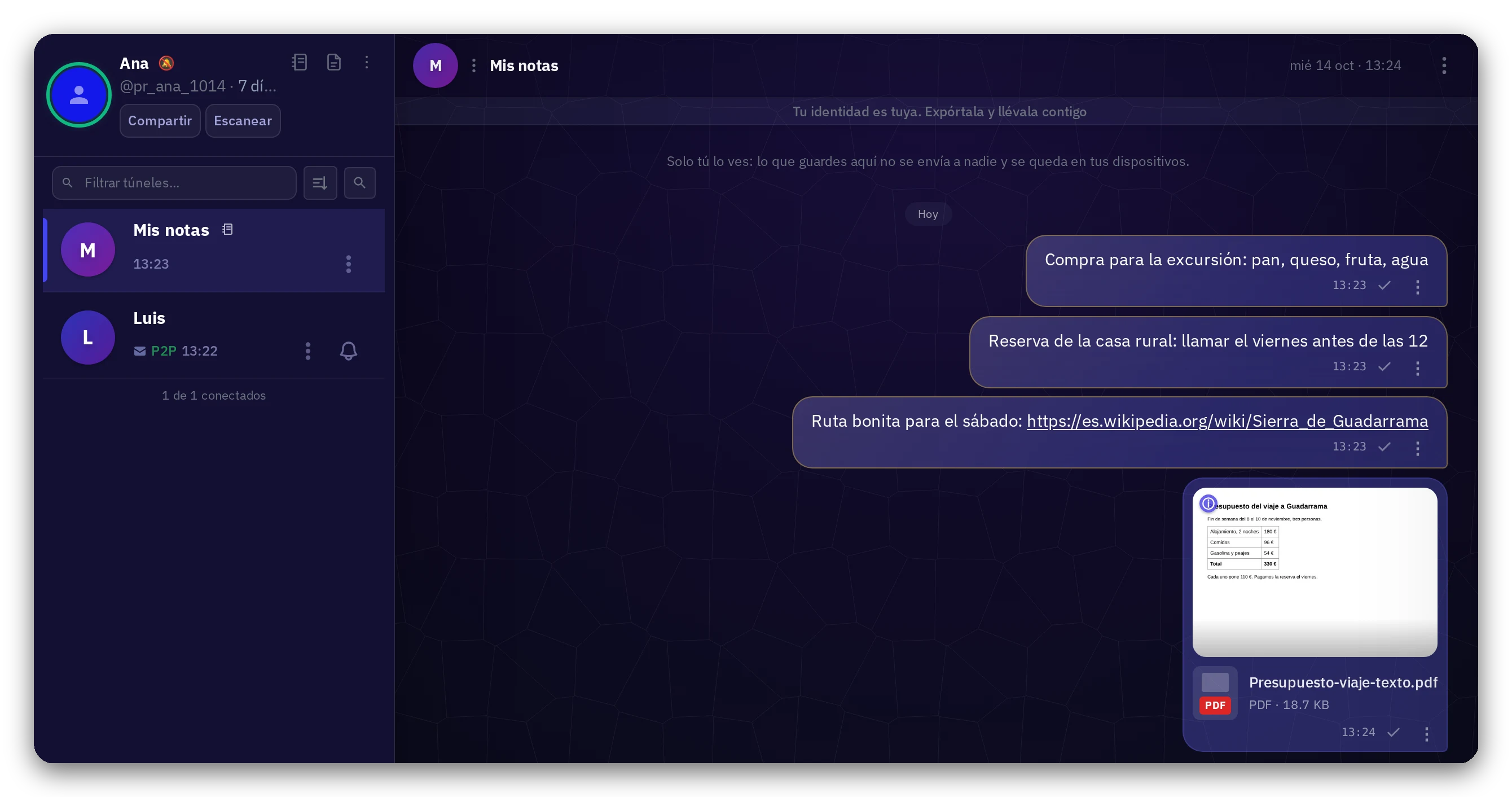
My notes
A chat with yourself to save notes, links, and files. It's created the first time you use it, sent to no one, and syncs with your other devices.
If you don't want to see it, hide it with the notebook icon.
8 · Your messages
Calls and video calls
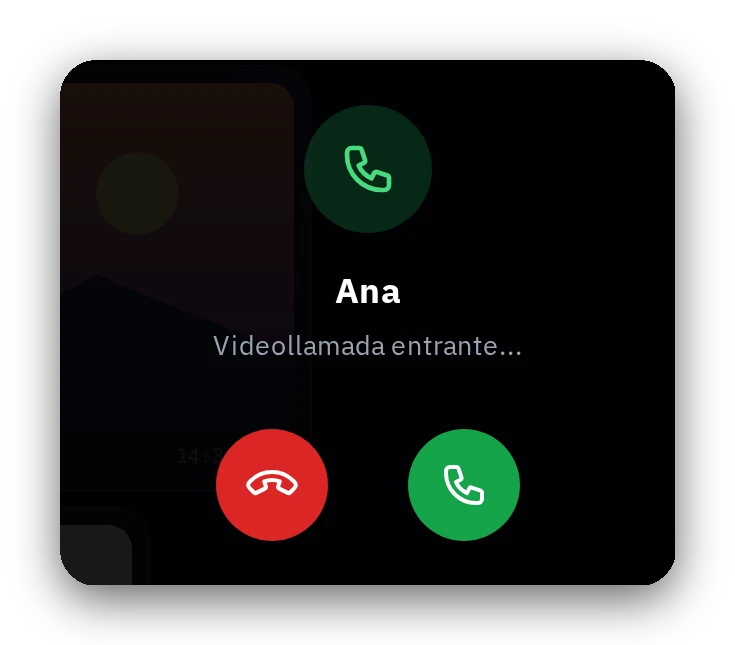
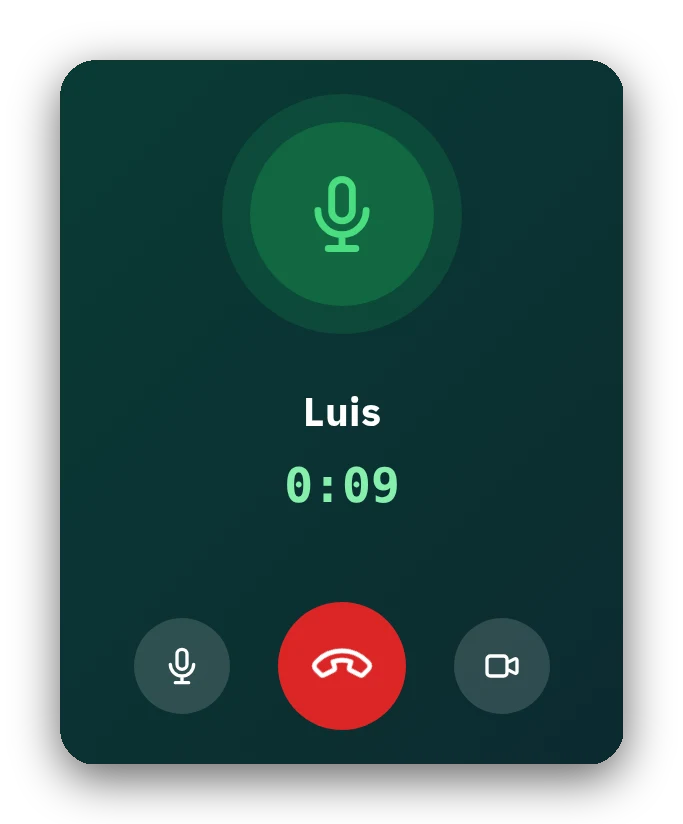
Direct voice and video calls between both devices, encrypted end-to-end.
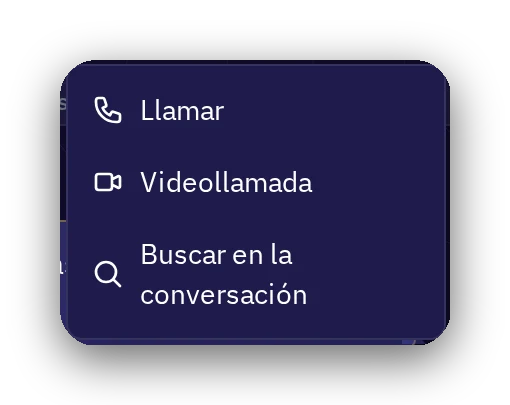
From the conversation menu, choose Call or Video call; the other side rings and decides whether to pick up.
9 · Your control
Disappearing messages
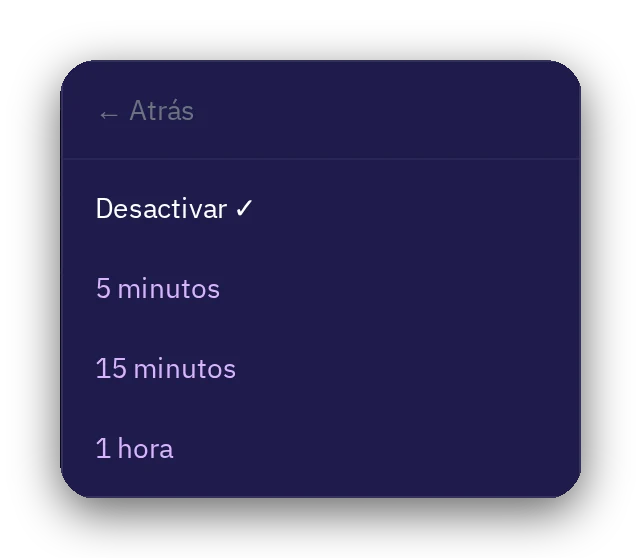
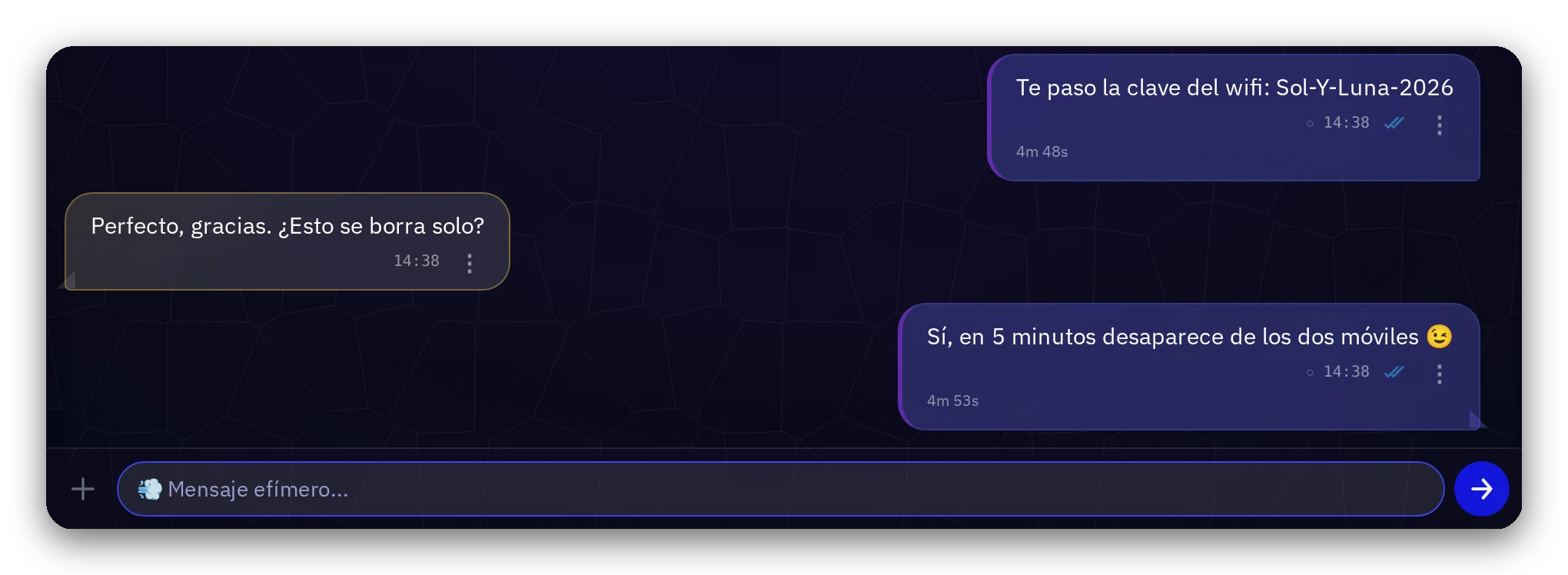
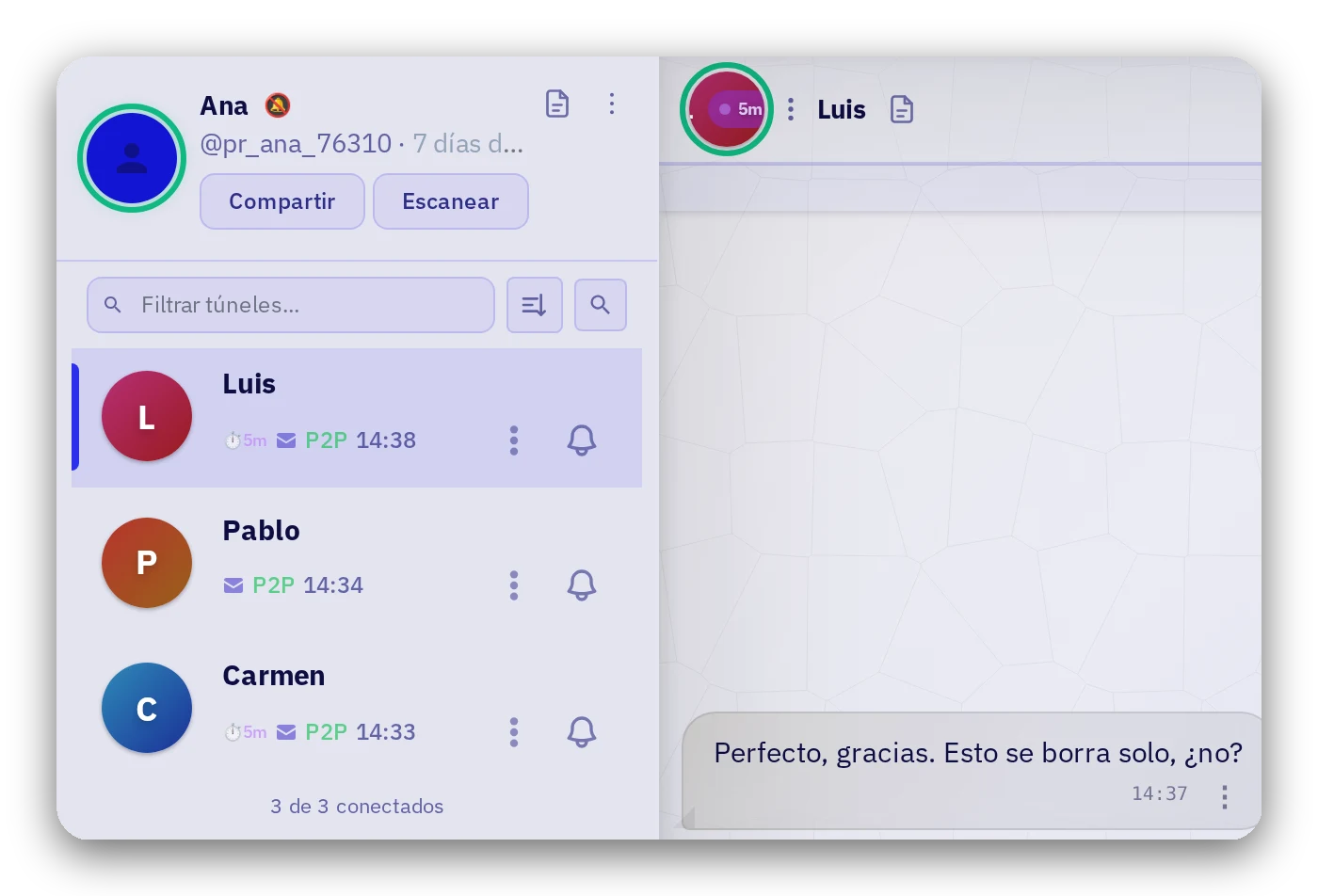
Turn on a timer in the conversation (5 minutes, 15 minutes, 1 hour). When it runs out, the message vanishes from the device.
Each message shows its countdown.
10 · Your control
Special touches
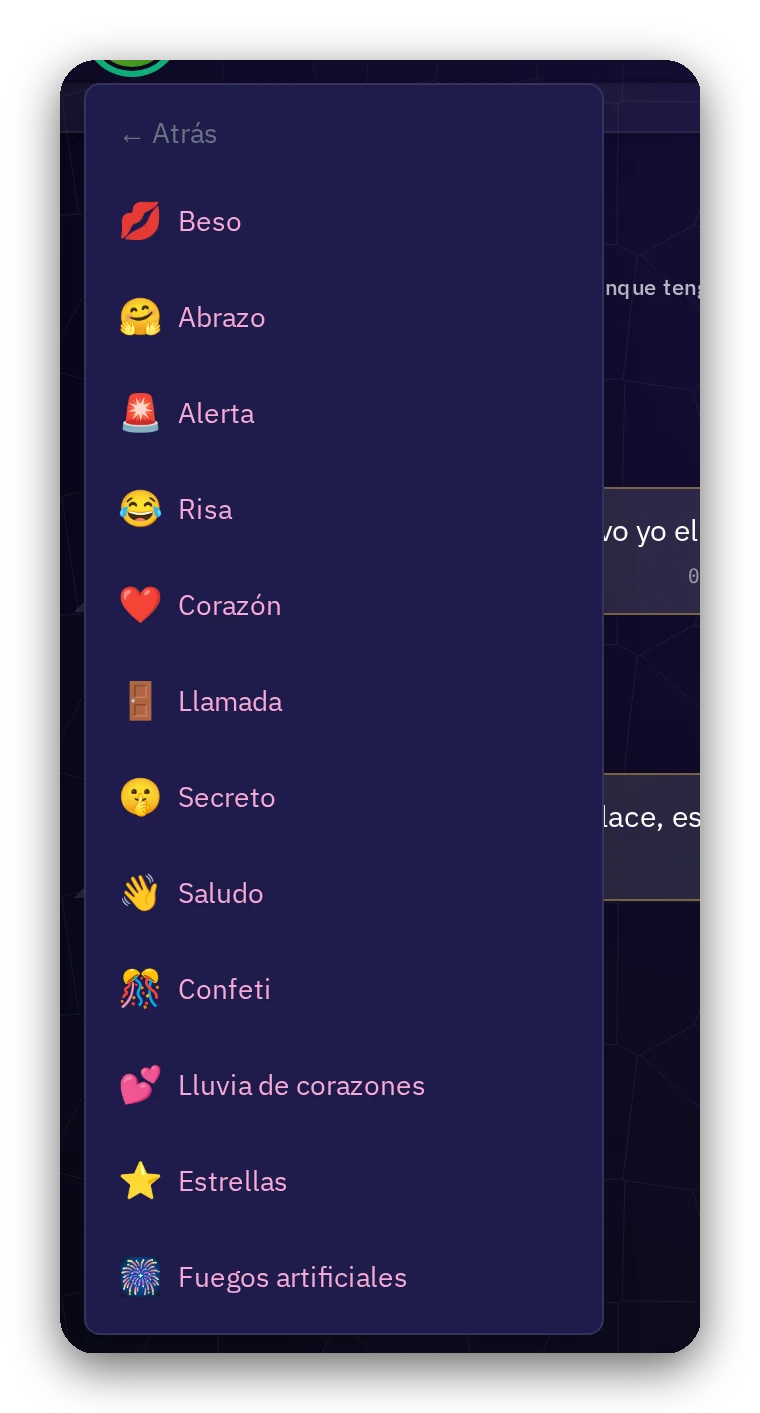
A kiss, a hug, confetti, or fireworks: a touch that reaches the other device instantly. You decide whether to allow touches in each conversation.
11 · Your control
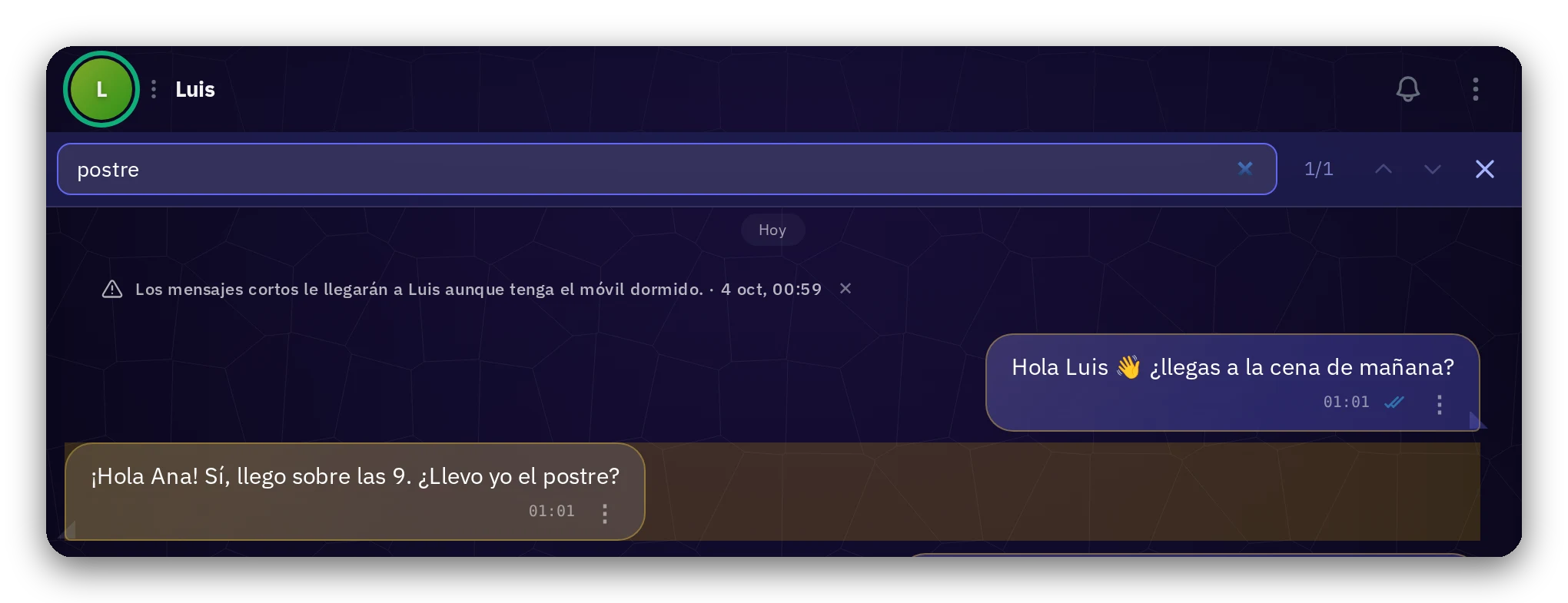
Find any message
Search inside any conversation. The search runs on your device, right where your messages live.
12 · Your control
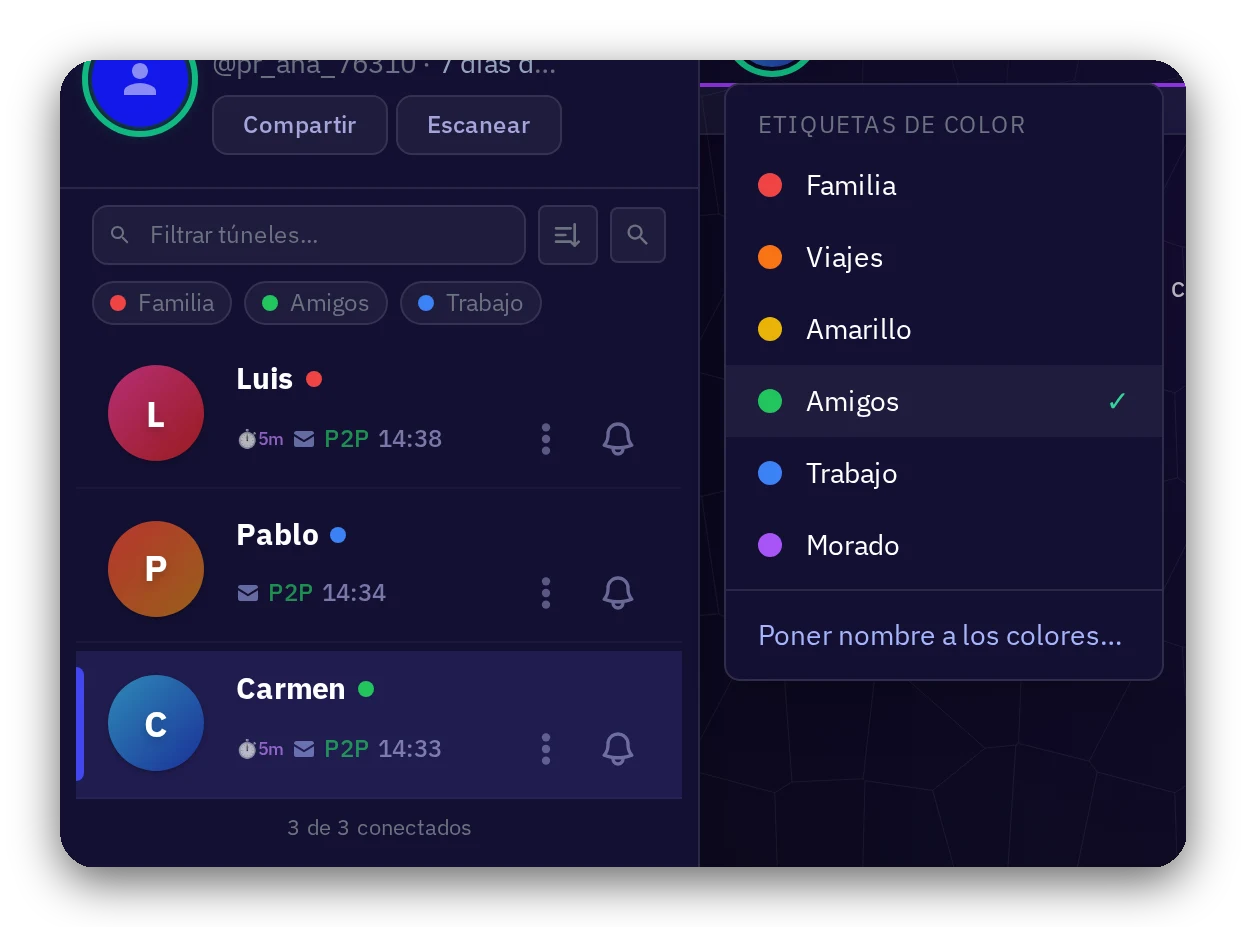
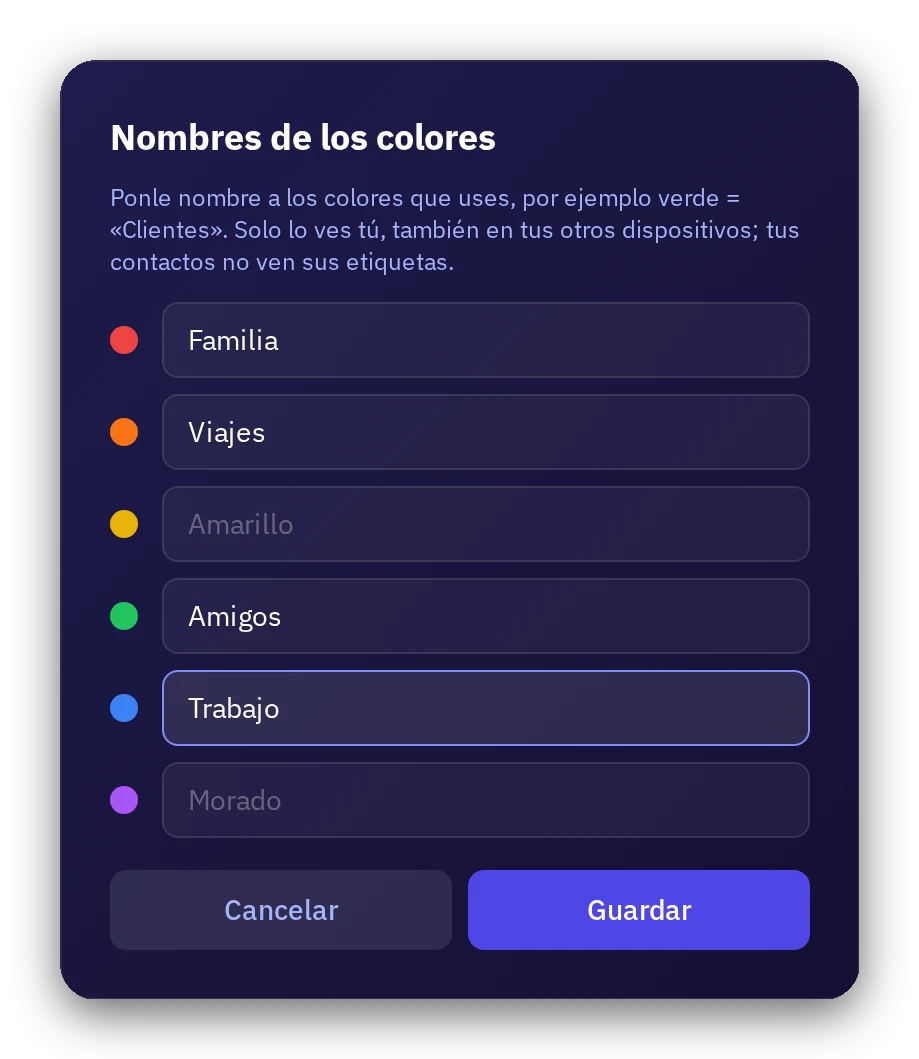
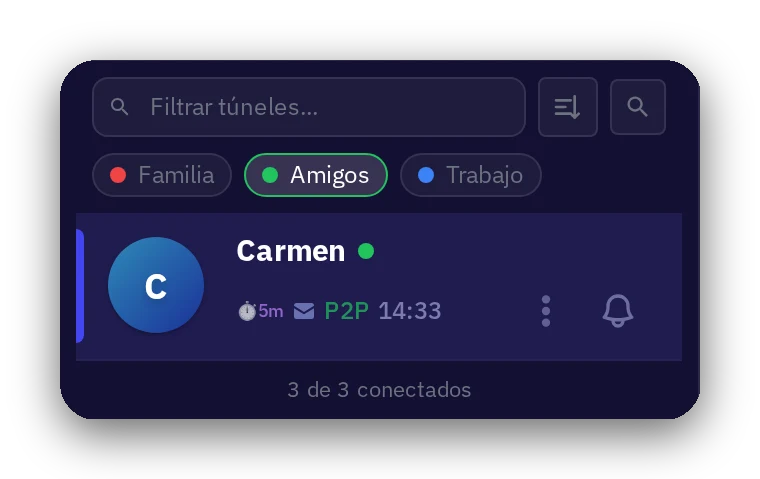
Colors to organize your conversations
Mark each conversation with a color and give each color a label: Family, Friends, Work… Then filter your list with a tap on the name.
Only you see it, also across your other devices; your contacts never see your labels.
13 · Trust
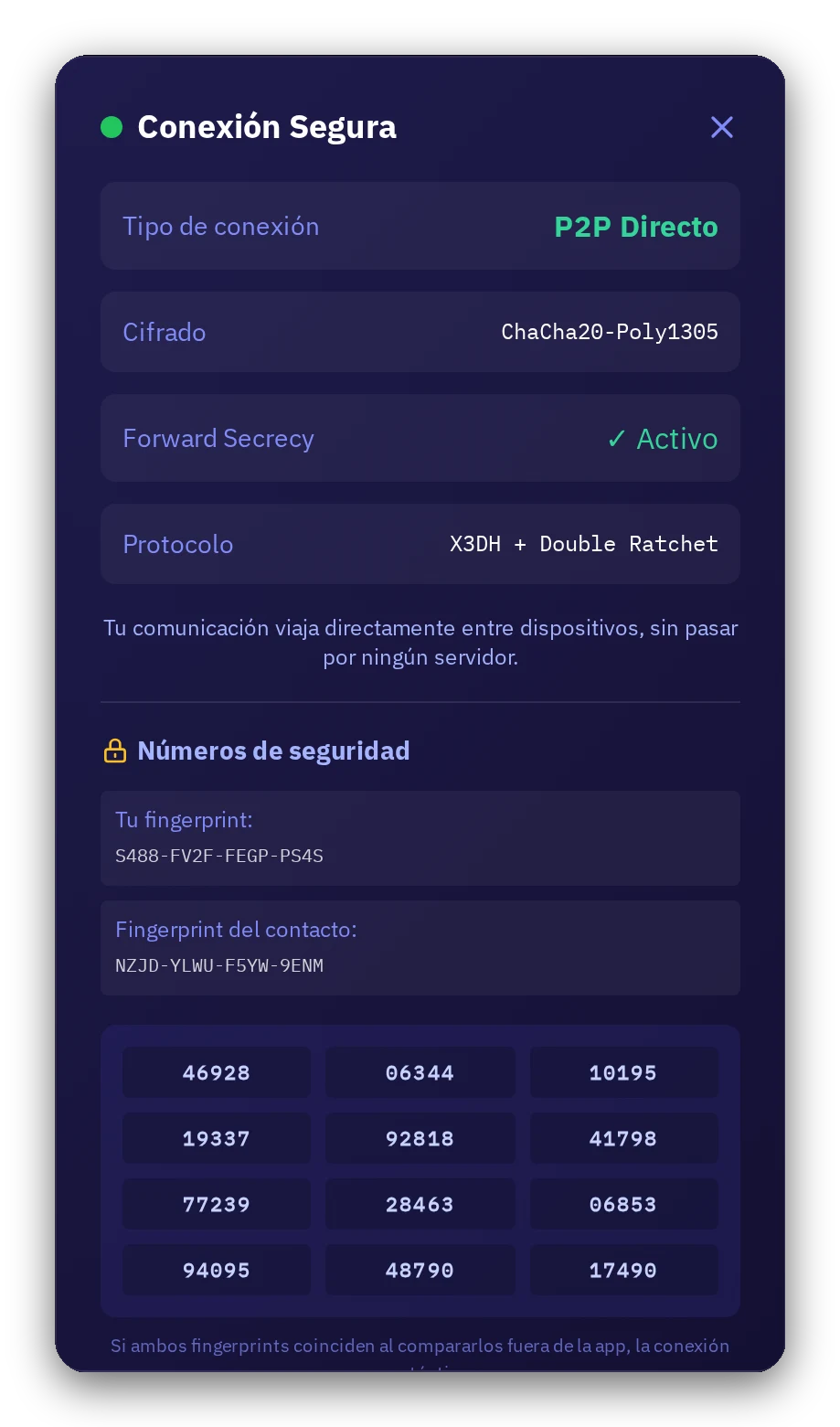
Secure connection, in plain sight
See how every conversation is protected: direct connection, ChaCha20-Poly1305 encryption, forward secrecy, and safety numbers you can verify with your contact outside the app.
14 · Trust
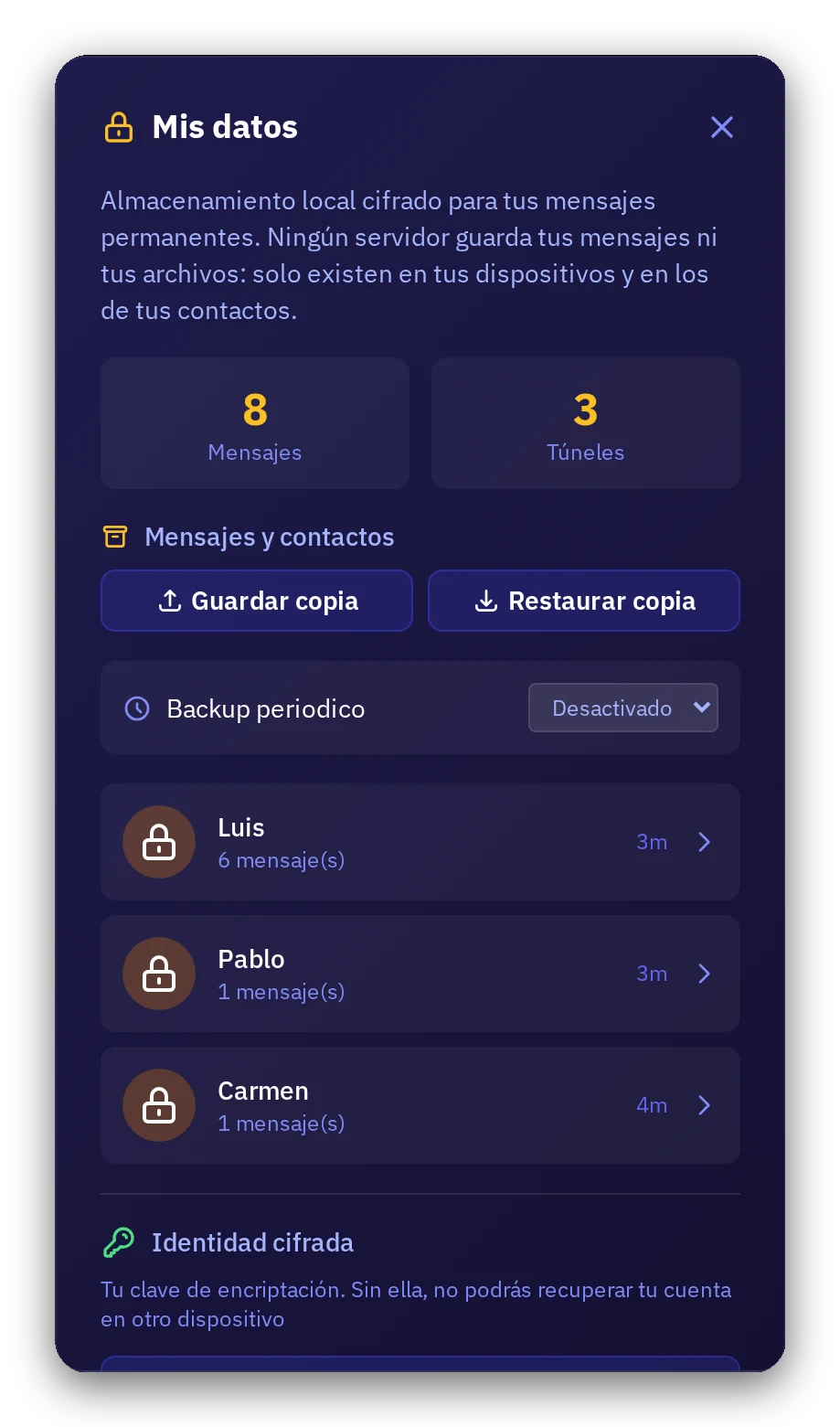
Your data, on your device
Everything is kept encrypted on your device, under My data. Export an encrypted backup or a readable copy whenever you want; you control the backup.
15 · For everyone
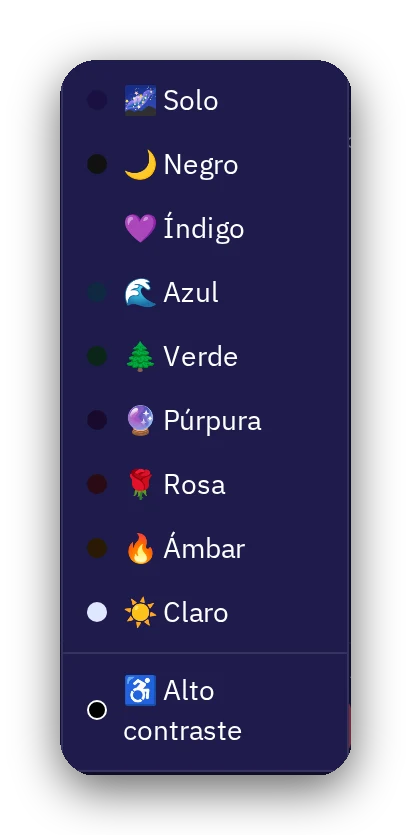
Your app, your way
Choose from ten themes in the bottom-left menu: Solo, Dark, Indigo, Blue, Green, Purple, Rose, Amber, Light, and High contrast.
16 · For everyone
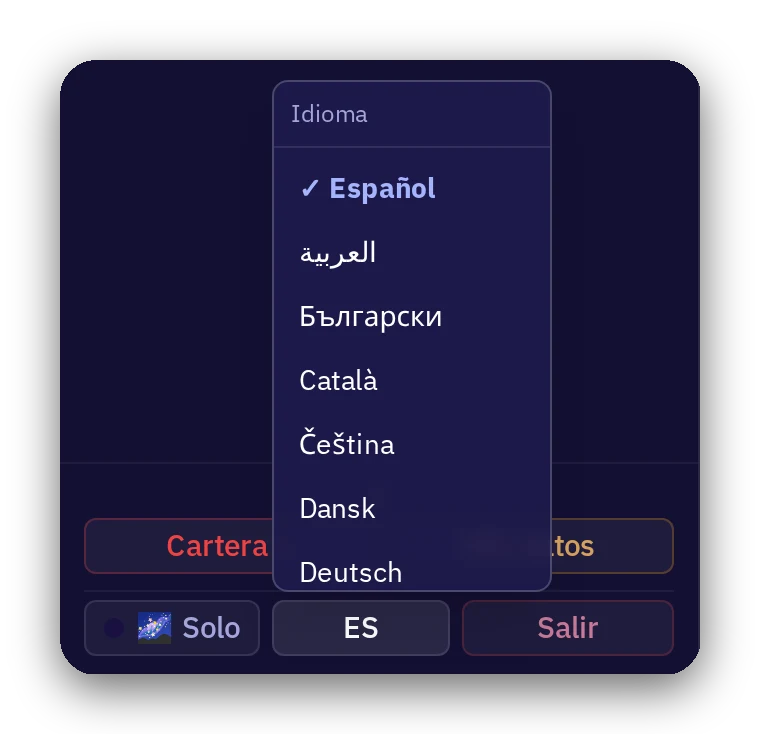
In your language
Solo2 speaks 42 languages: pick yours from the menu.
Try it with someone
7-day trial period, no card required.
Open Solo2