Inside Solo2 Pro
What changes a firm's day-to-day work, seen in the app. Real screenshots.

1 · Professional card
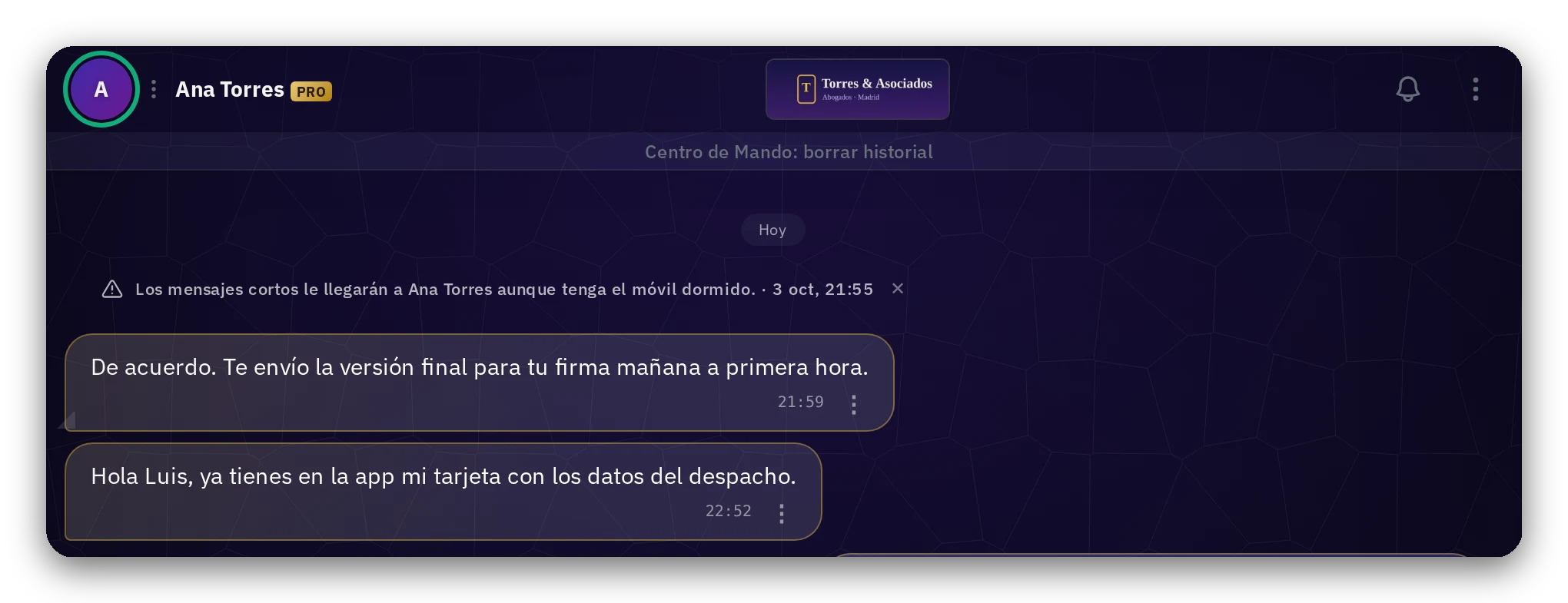
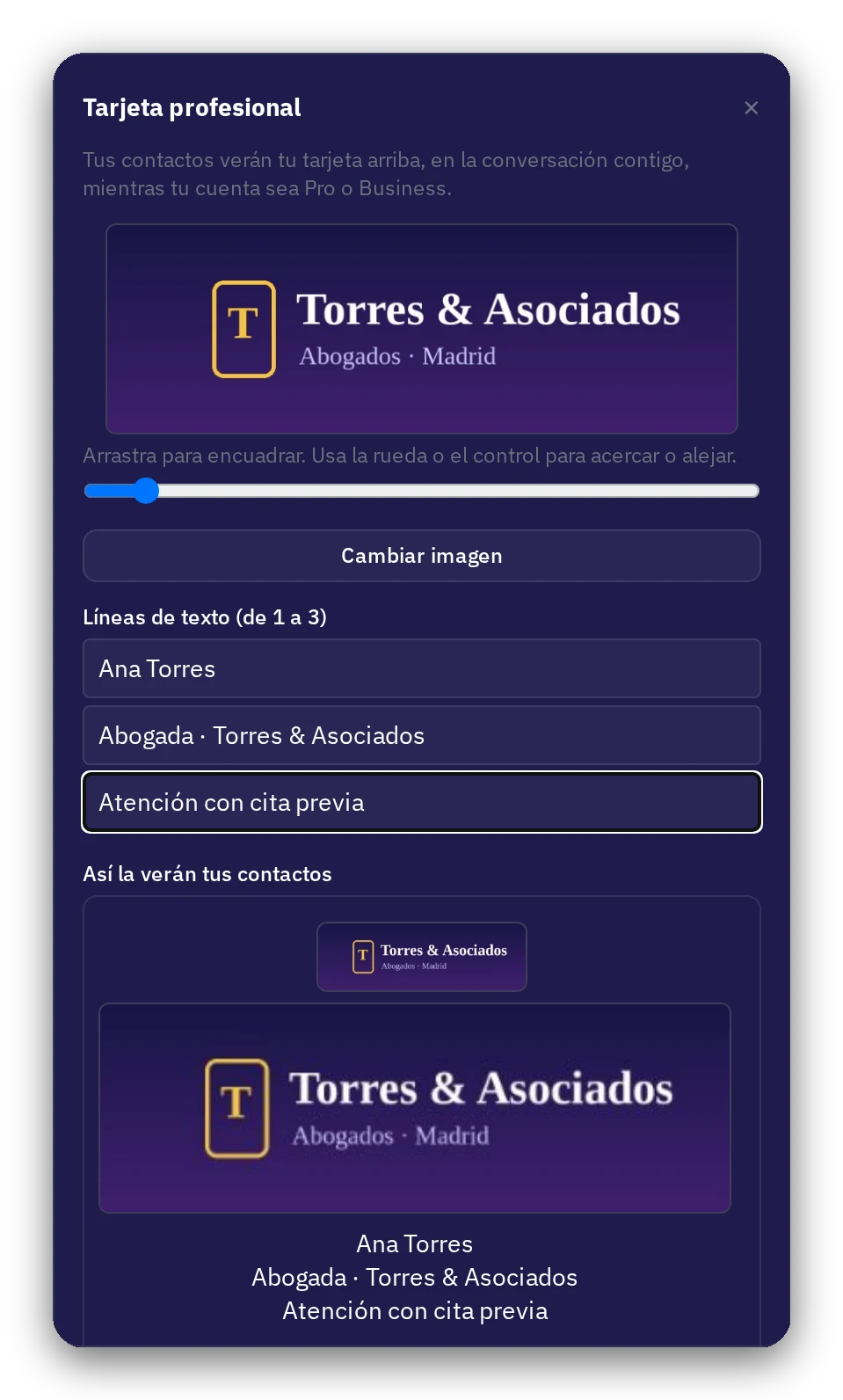
Your logo and lines, at the top of every conversation
Pro and Business accounts
Your image and one to three lines of text appear at the top of the conversation with each client, as long as your account is Pro or Business.
You edit it once; it is visible in the chat of all your clients.
2 · Color labels
Your clients, organized your way
For all users
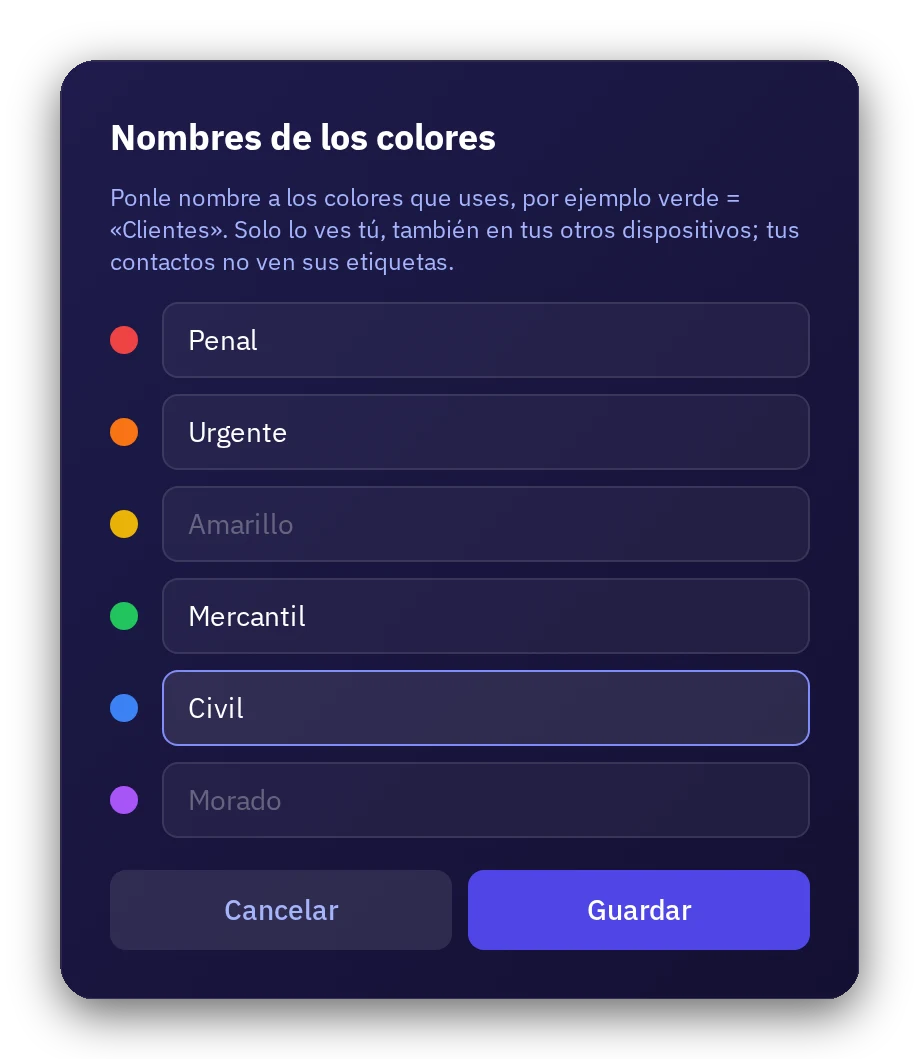
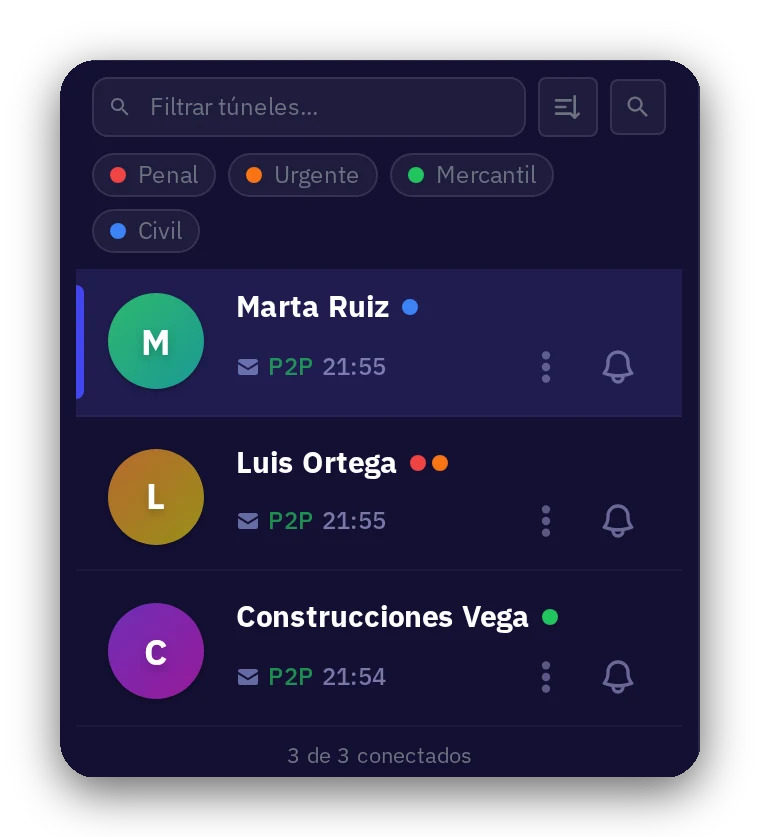
Name the colors (Criminal, Civil, Commercial, Urgent…), tag each client, and filter the list with a tap.
Only you see it, also on your other devices; your clients do not see their labels.
3 · Send to multiple
The same document to several clients, without creating a group
For all accounts
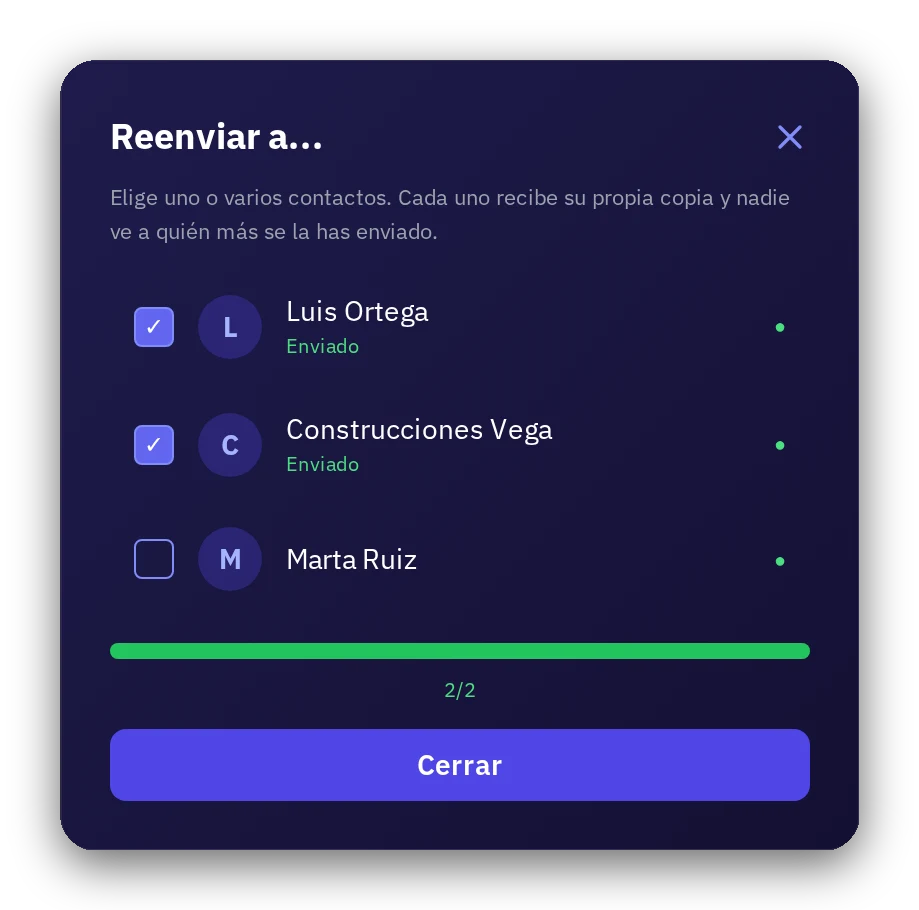
Select contacts and send: each one receives their own copy and no one sees who else you sent it to.
4 · Identity (optional)
Record that you verified who they are, if you want
Optional · For all users
In Solo2 you do not need to identify yourself. You can have a tunnel with an invented name, and your contact with another: neither the app nor our servers know who either of you is.
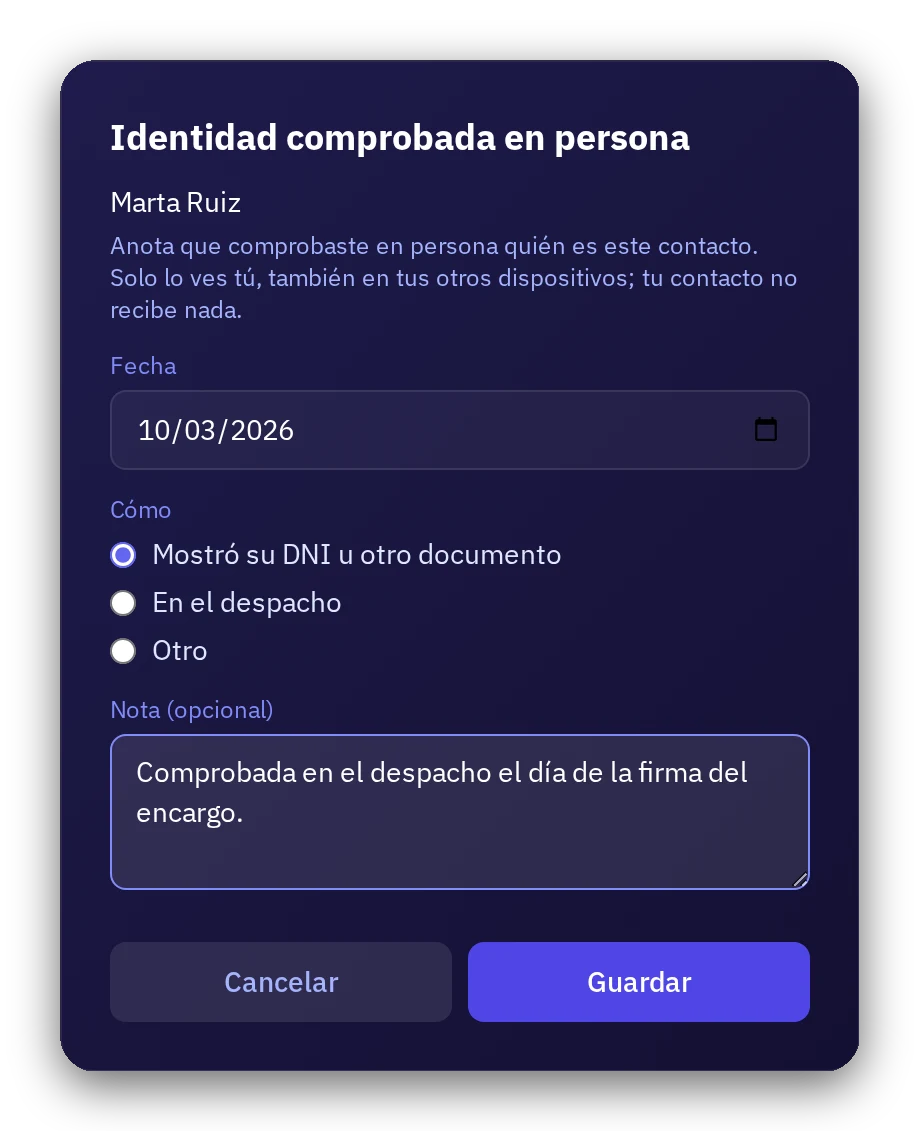
If you wish, record on your device that you verified them in person: the date, how (ID, at the office…) and a note. Only you see it. Your contact receives nothing, and Solo2 does not either.
5 · Certify date
A date that can be proven
Paid accounts · per month: 2 Normal · 20 Pro · 100 Business
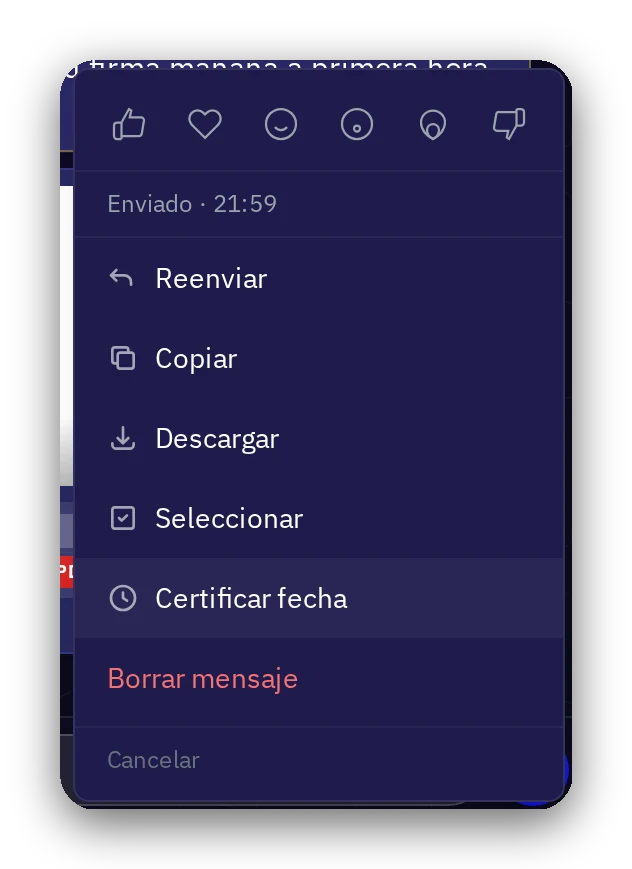
On any file in the chat: «Certify date». Up to three independent time-stamping authorities certify that it existed, identical, on that date.
Only a fingerprint leaves your device, never the content.
Each month: 2 certifications with the Normal plan, 20 with Pro, and 100 with Business.
6 · Readable copy by client and dates
A client's case file, in one click
Paid accounts: Normal, Pro, and Business
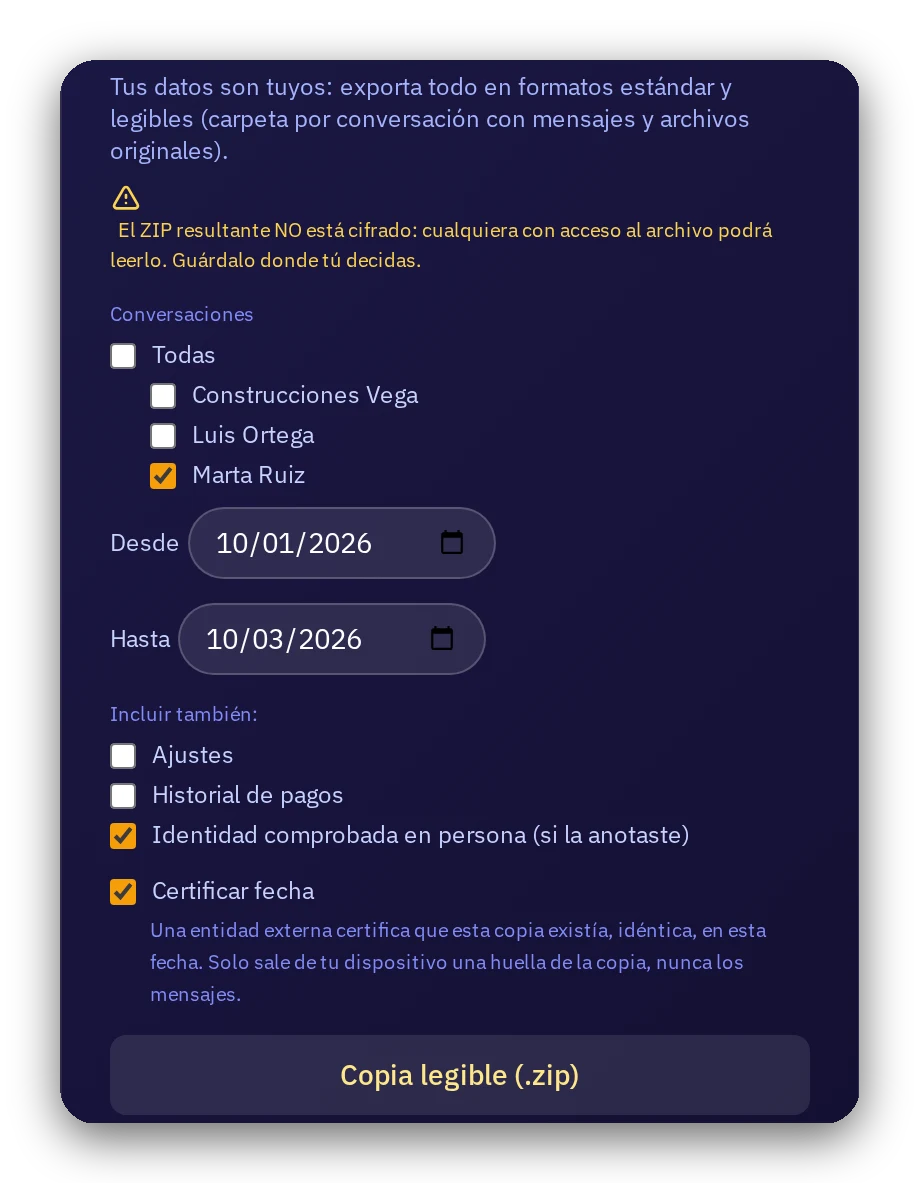
Choose a client and a date range: a folder with messages in text and web page format, along with the original files.
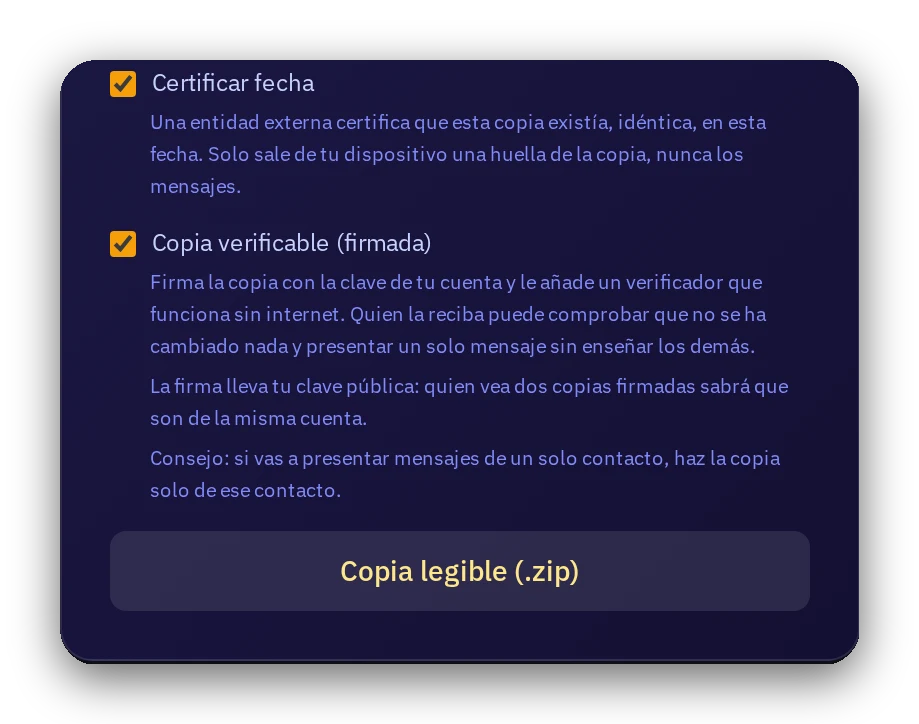
You can include the verified identity and certify the date of the copy. The file does not leave your device until you decide where to save it (the ZIP is not encrypted: keep it wherever you choose).
7 · My documents (optional)
Present a document only if both of you wish
Optional · Save, present, and receive: for everyone · Countersign and export record: paid accounts
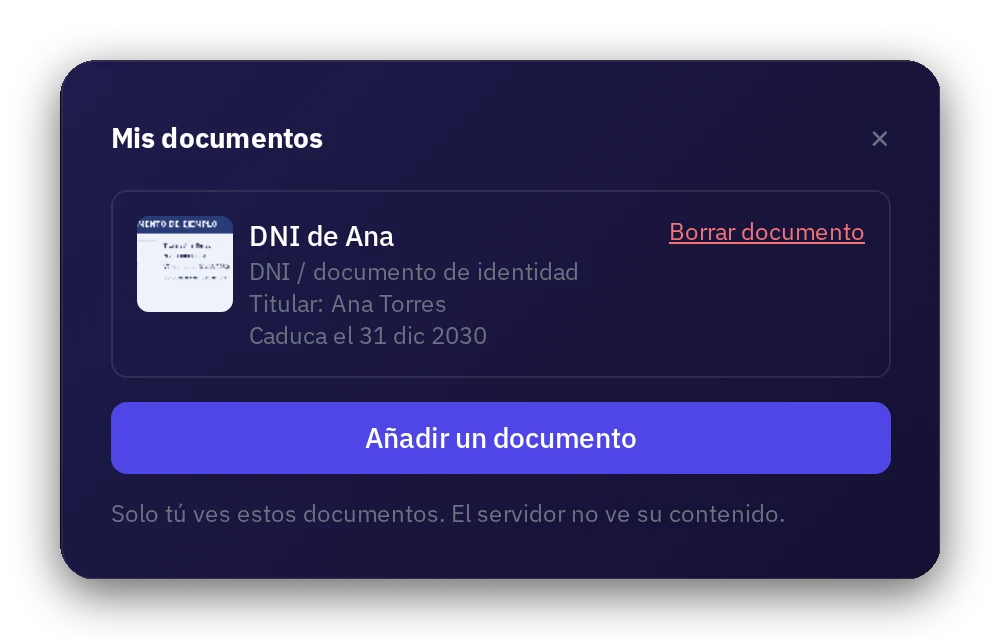
Keep your documents (ID, passport, power of attorney, professional license, insurance…) in your account. Only you see them; our servers see nothing.
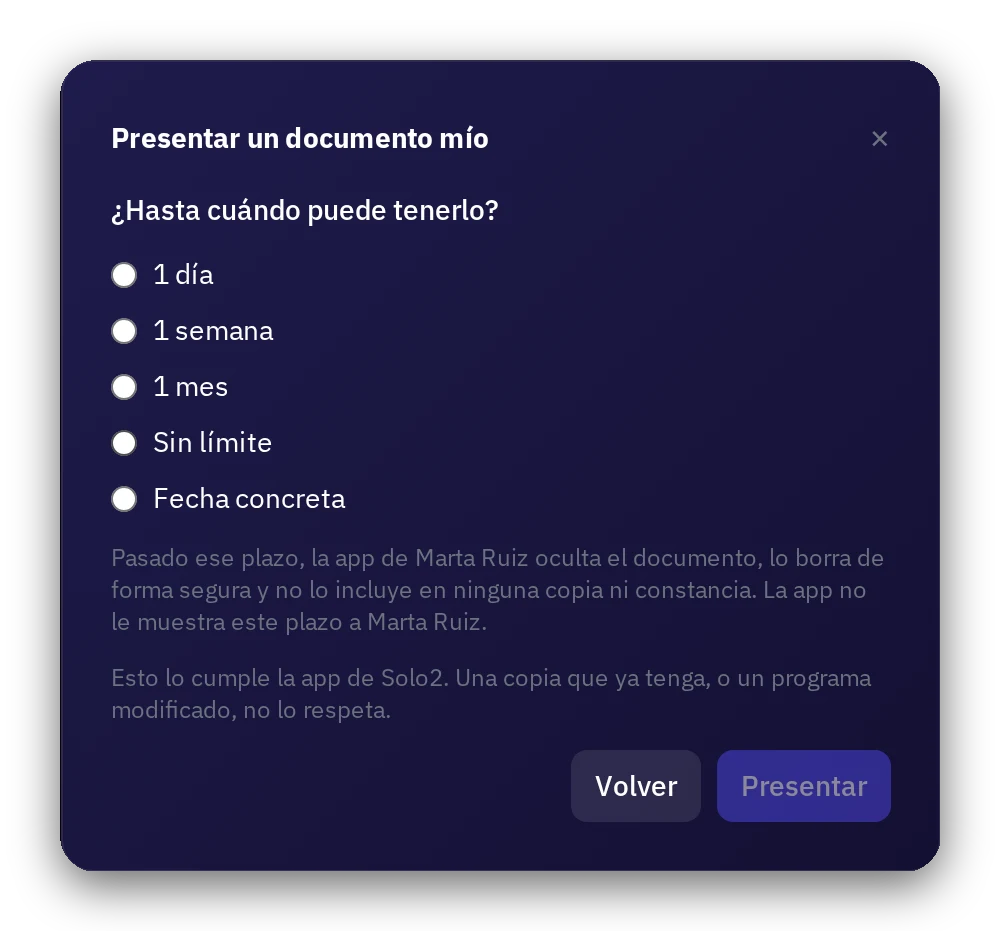
If you wish, present a document to a contact for the period you choose: 1 day, 1 week, 1 month, without limit, or a specific date. Once expired, their app hides it, deletes it, and exports nothing about it.
Your contact can state «matches the person I know», which is their personal opinion. Either party can export a signed record of what was presented, with a verifier that works offline.
It is a record, not a legal certificate nor a qualified identification, and does not replace the identification duties of a professional. A copy someone already has, or a modified program, cannot be retrieved.
8 · Verifiable signed copy
A copy that anyone can verify
Create: paid accounts · Verify: anyone
The readable copy bears your account's signature and, upon request, timestamp seals from up to three independent authorities. Anyone can verify it without needing an account. Only paid accounts can create it.
Try it with your clients?
7-day trial without a card. If it doesn't fit your workflow, you pay nothing.
Create private tunnel