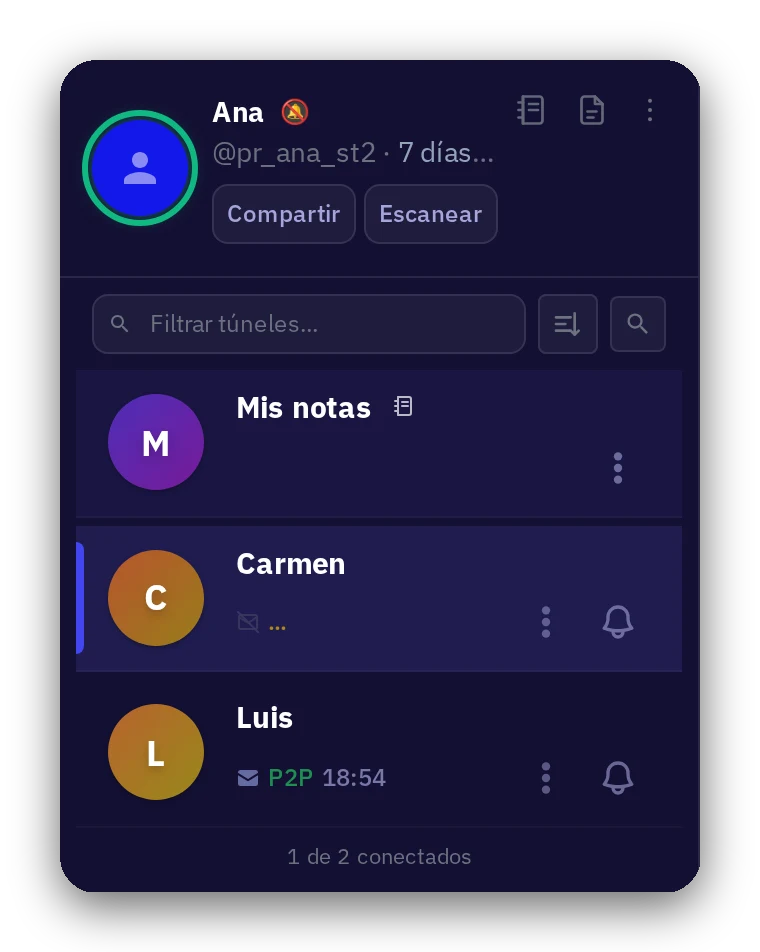
How to start on Solo2
You have no contacts because no one here knows who you are. Not even us.
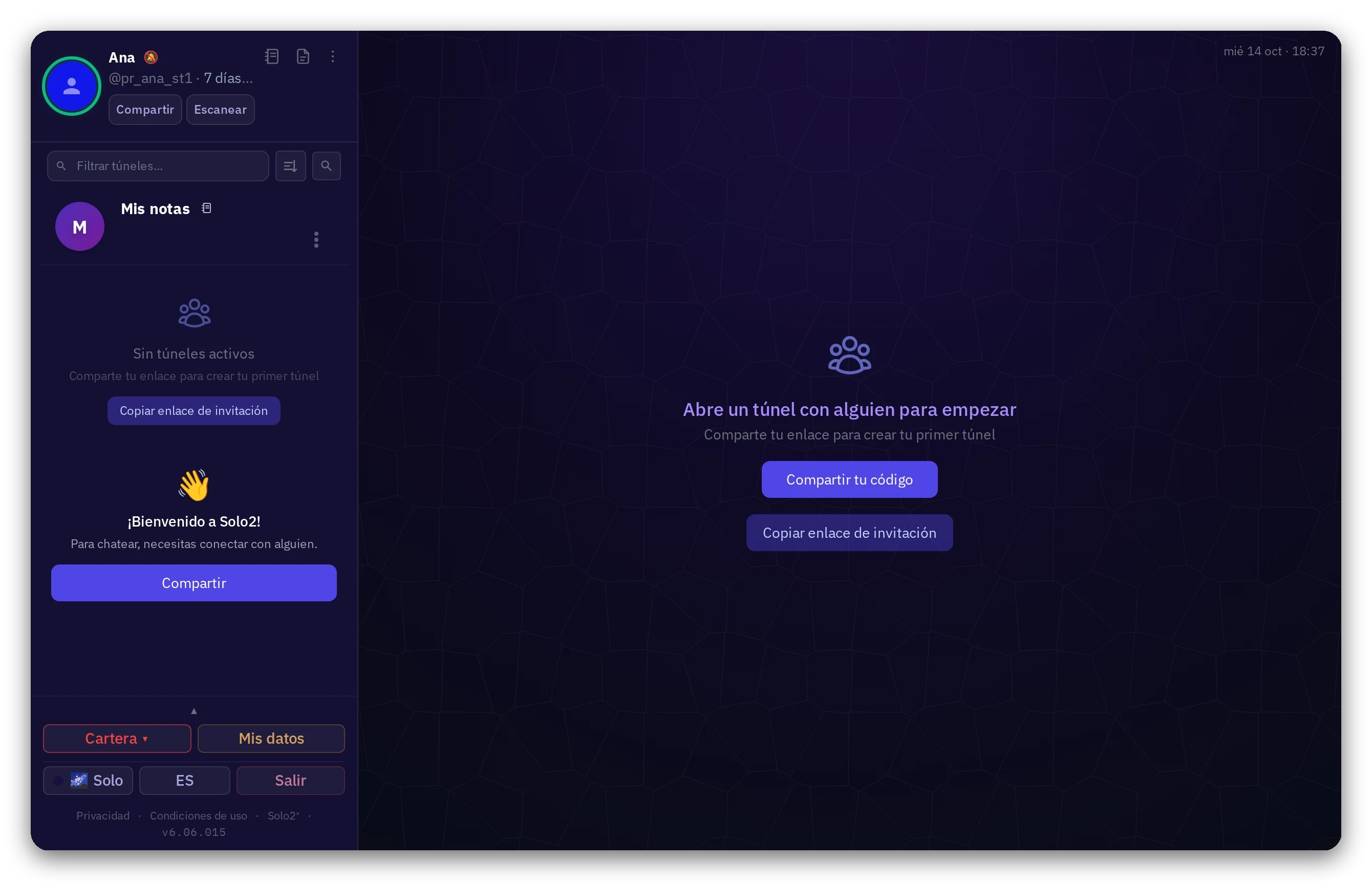
1The first thing you see: an empty list
It is normal, and it is on purpose. Solo2 has no contacts list, no user directory, and no search. We do not know who uses the app, so we cannot show you anyone. Your privacy starts right there.
2How to connect: you have to do it
You are the one who introduces yourself to the person you want to talk to. When you connect, a private tunnel opens between the two of you.
3How to introduce yourself
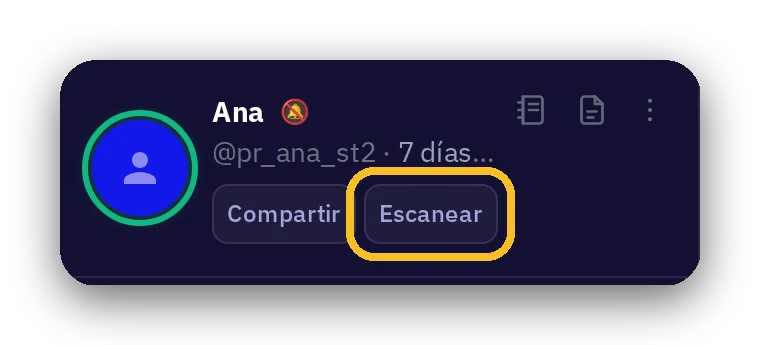
- In person: show them your QR code and have them scan it with Solo2.
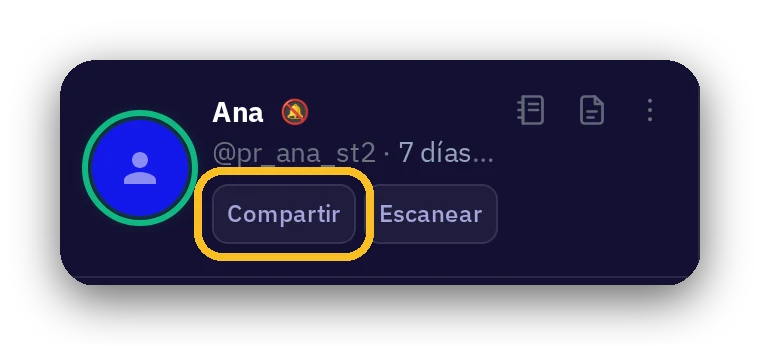
- By link: generate your connection link and send it via your usual messaging app, by email, or however you like.
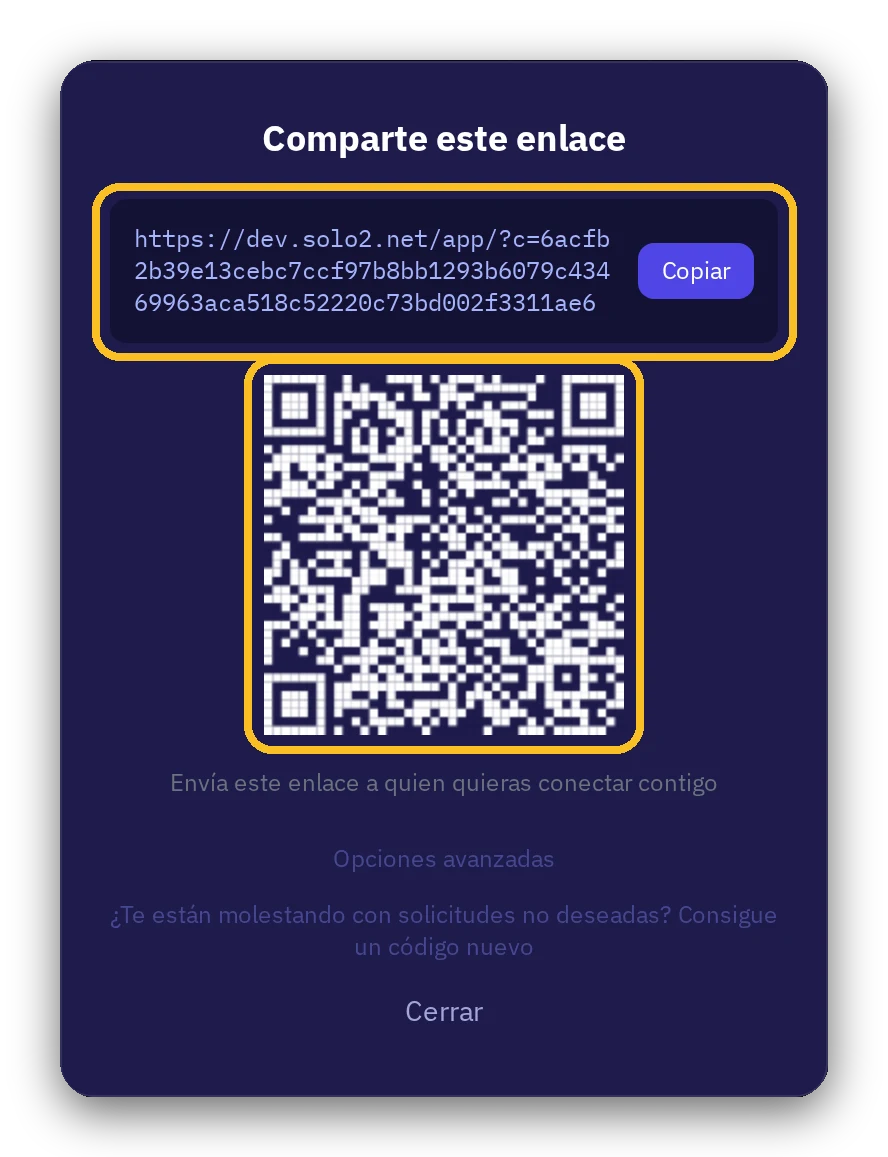
And for the other person, to receive you:
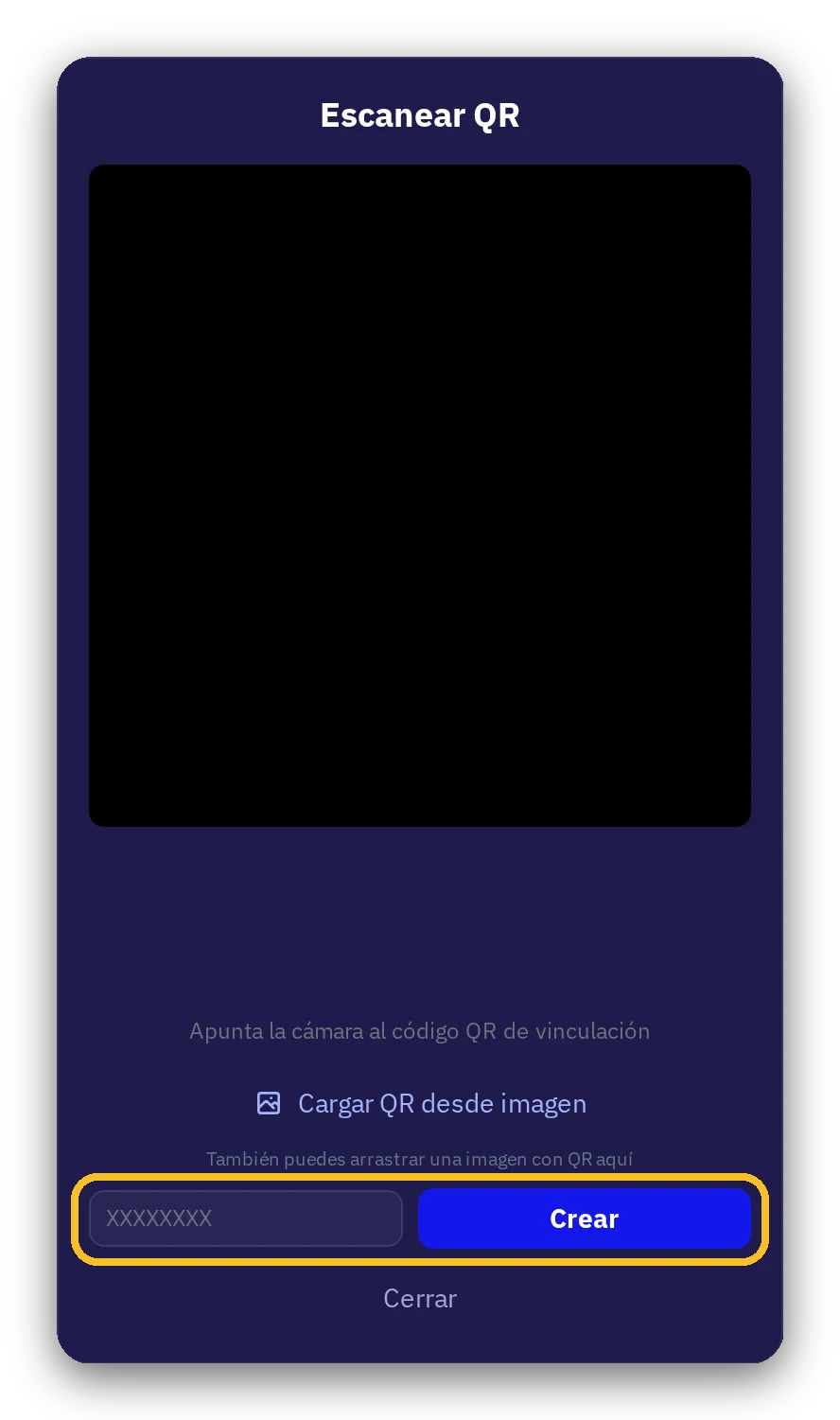
- If you are together: scan their QR code.
- If you received a link: paste it into the Solo2 scan window, or open or type it in your browser.
More information: Whoever opens your link in a browser creates their own data space on that device. Your data is stored encrypted where you create it, not on our servers.
4No one connects by accident
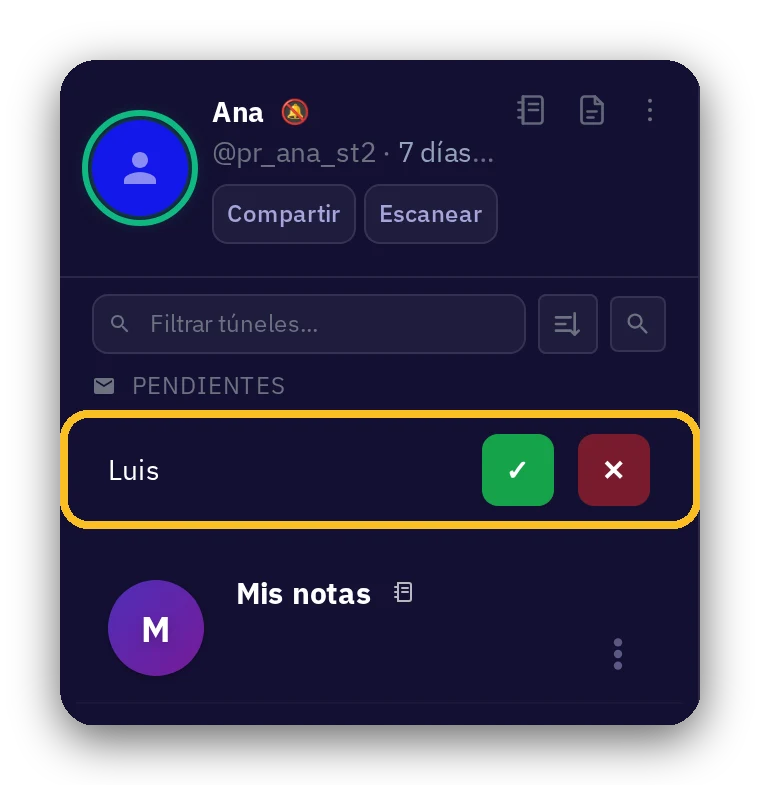
Upon receiving your link, the other person can send you a request. You have to accept it. Both of you must agree.
5The tunnel is forever
Once open, the tunnel stays that way until one of you decides to close it.